
Welcome to the Panbo Marine Technology Forums.
Notifications
Clear all
General Discussion
4
Posts
3
Users
0
Reactions
14.5 K
Views

Topic starter
April 16, 2020 12:31 pm
I think that the easiest way to include images in Forum posts is with the "Attach file" button you should see just below this edit writing window.
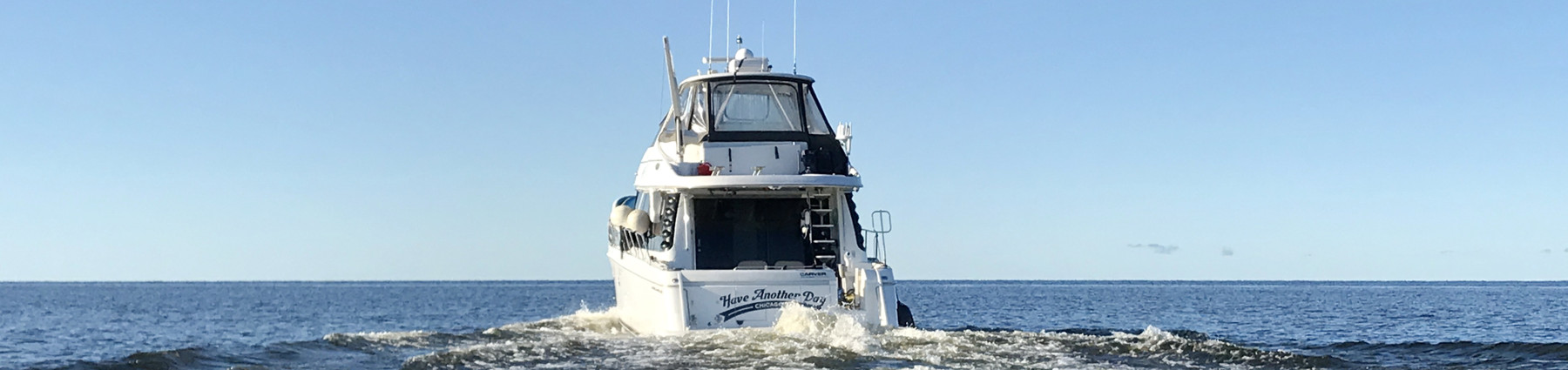
And I'll give it a try with a wild boat I spotted last summer
Now I'm editing my reply and it looks like I can add text below the photo link, which means it's possible to place photos where you want.
PS After 3 years this post's original photo was lost, so I just replace it in 5/25/23
PPS These days it seem that if you leave a photo in place after attaching, it will show. But if you add text or move the link, readers have to click on button to see the photo.

June 21, 2020 12:06 pm
I don't see that "Attach File" button. Can you take a screenshot of it?
Thanks, josh

July 18, 2020 8:20 am
i was also looking for the same answer, thanks for help
Topic starter
July 22, 2020 7:15 am
@c1josh Sorry for the delay. The "Attach Files" link should be right below your "Leave a reply" text window


Recent Panbo Comments