
The Q Experience from Next Four, A fresh take on chart plotters
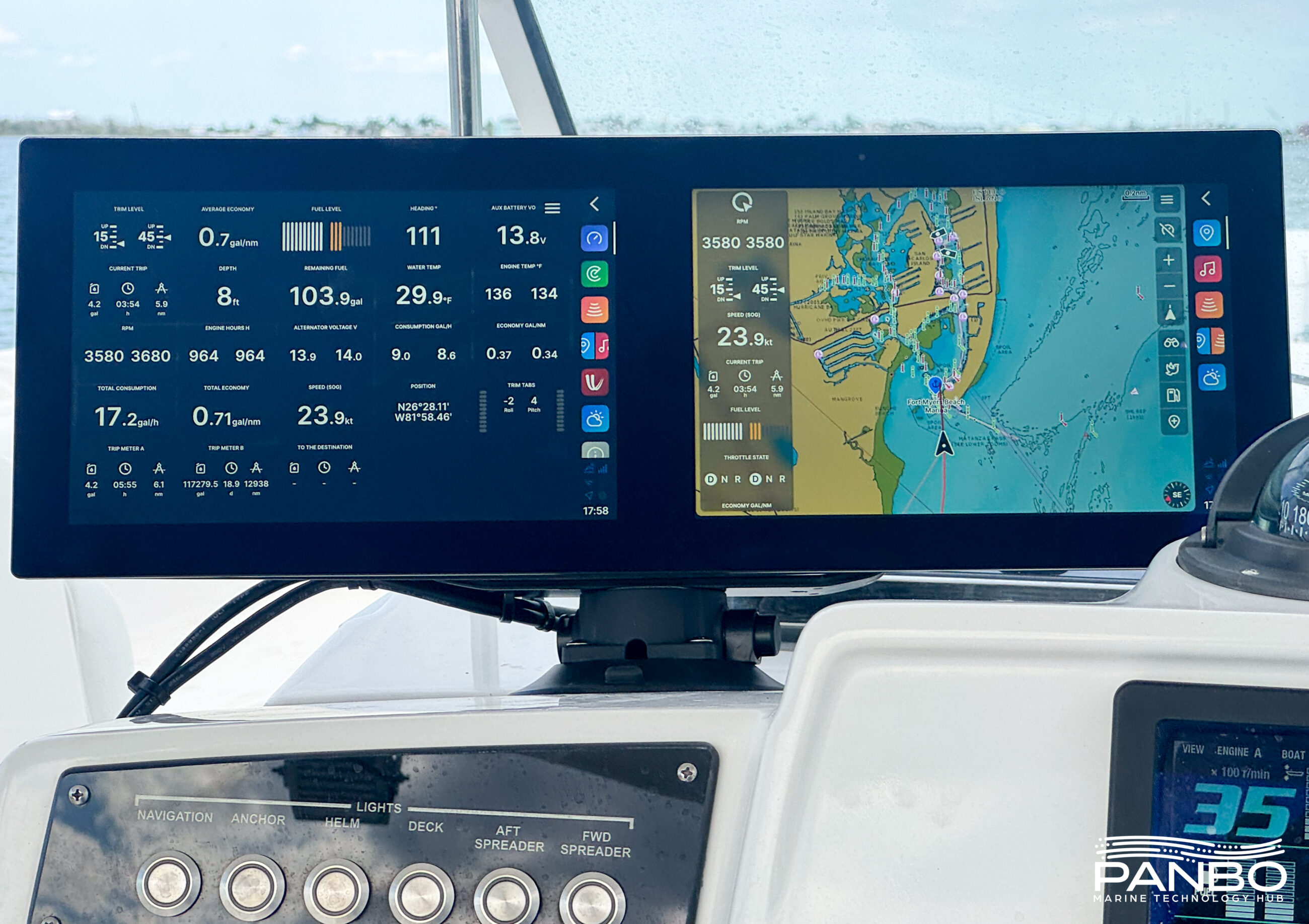
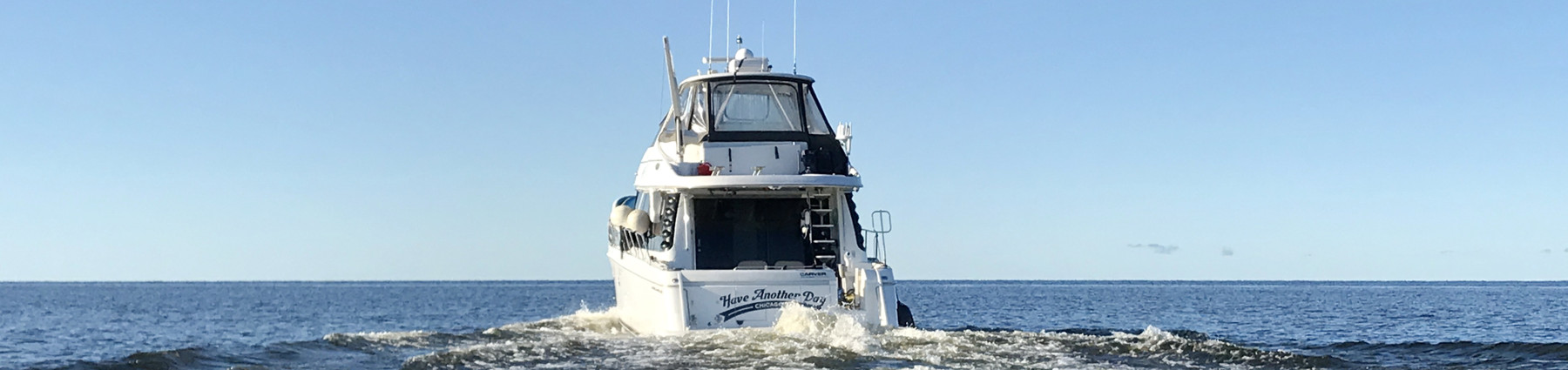
Rarely do I have the opportunity to review a truly new chart plotter. For as long as I have been reviewing equipment, chart plotters come from Furuno, Garmin, Navico, or Raymarine. So, it is pretty exciting for me to get my hands on a truly new line of chart plotters. Although NextFour’s Q Experience is new to me and Panbo readers, Q is not as new as you might think. The company just marked ten years of building chart plotters designed to feel as natural as a smartphone. Panboat has spent the past several weeks running around with a dual-display unit suction-cupped to the helm, and I’m ready to share my early impressions. Is Q really as natural to use as your phone? Let’s find out.
Q’s creation story traces back to Buster Boats, a Finnish builder of aluminum boats, and their search for a chart plotter intuitive enough to master without prior experience. Buster approached NextFour, a Finnish technology product development firm, to deliver their vision. And yes, if you’re wondering: the Q is a nod to the famous quartermaster from a certain series of films about a British secret agent.
The hardware
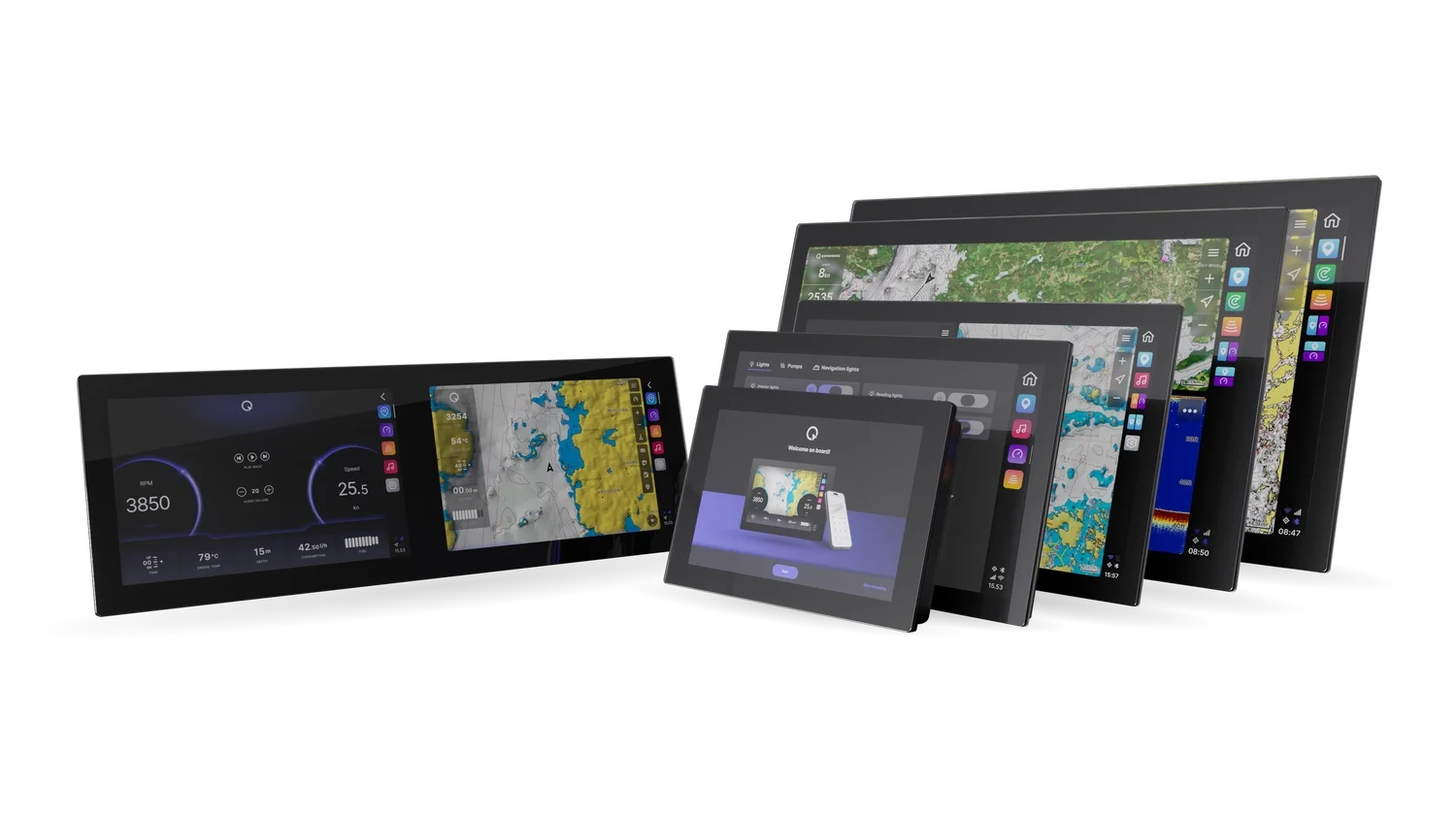
Displays are available in numerous sizes, with single and double displays, and with traditional or floating mounts. The displays all run the same software and offer the same, very complete hardware stack including chart plotting, entertainment, cellular communications, boat monitoring, network connected sonar and radar, and more.
NextFour offers Q Displays in single and dual screen configurations. The single screen displays come in 10-, 12-, 16-, 22-, and 24-inches. The dual display is available with two 10-inch displays. The single screen displays all support a second monitor and Q offers display only options in all sizes. MSRP for the Q Displays ranges from $2,000 for the single 10-inch display to $9,000 for the 24-inch display. The dual 10-inch display lists for $3,400. Auxiliary or second displays are $500 cheaper than the full displays.
Q Display Float
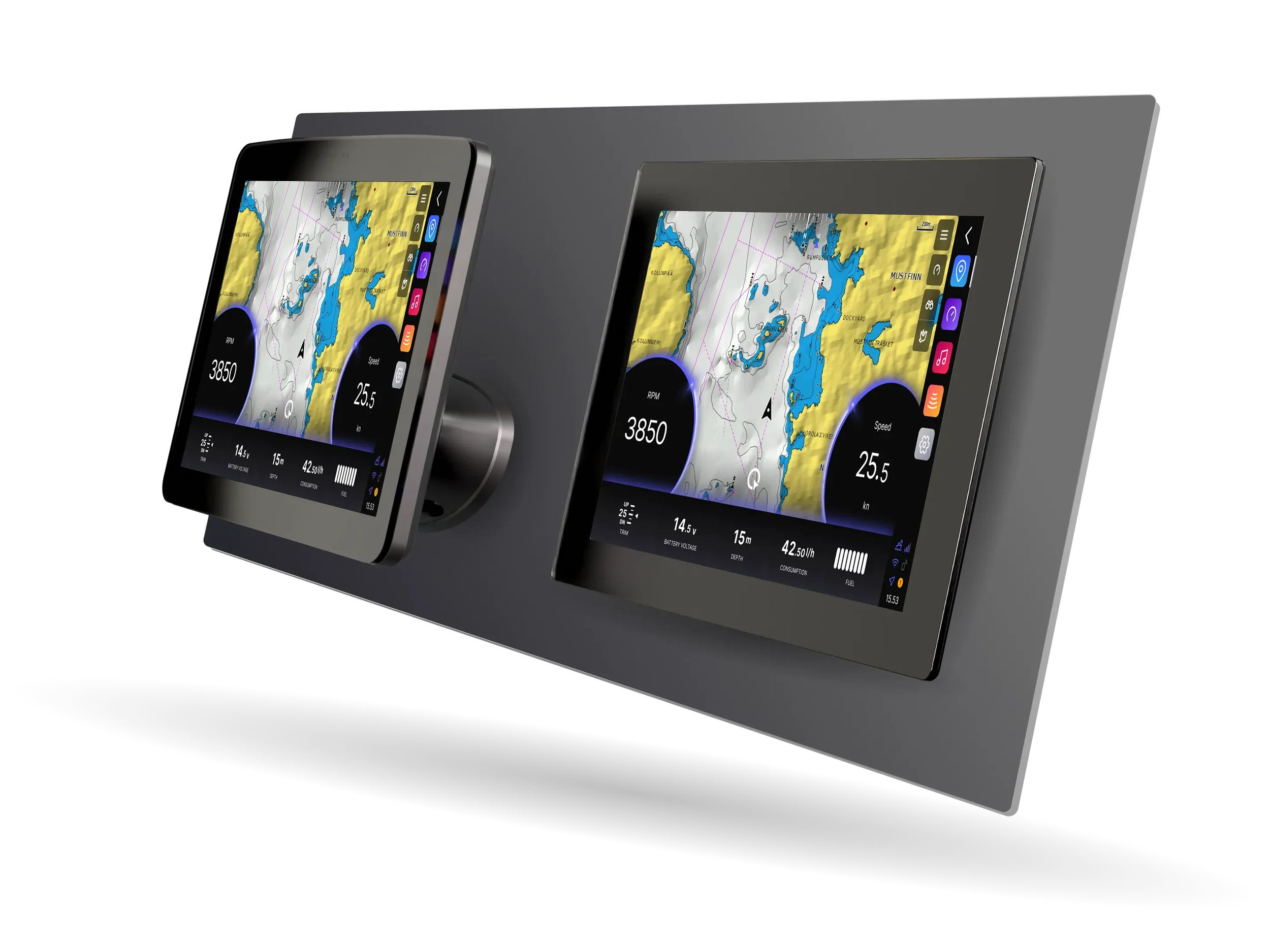
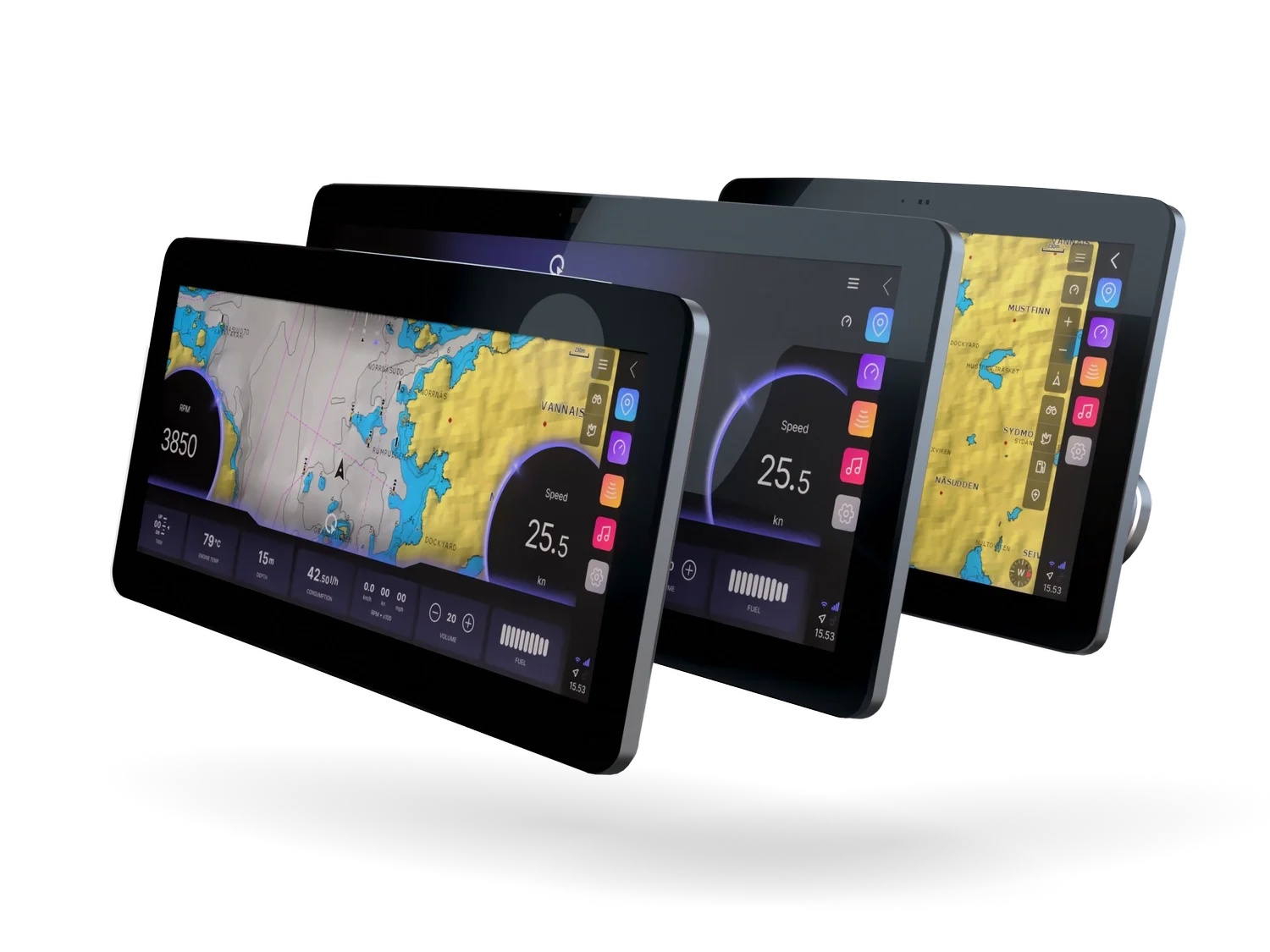
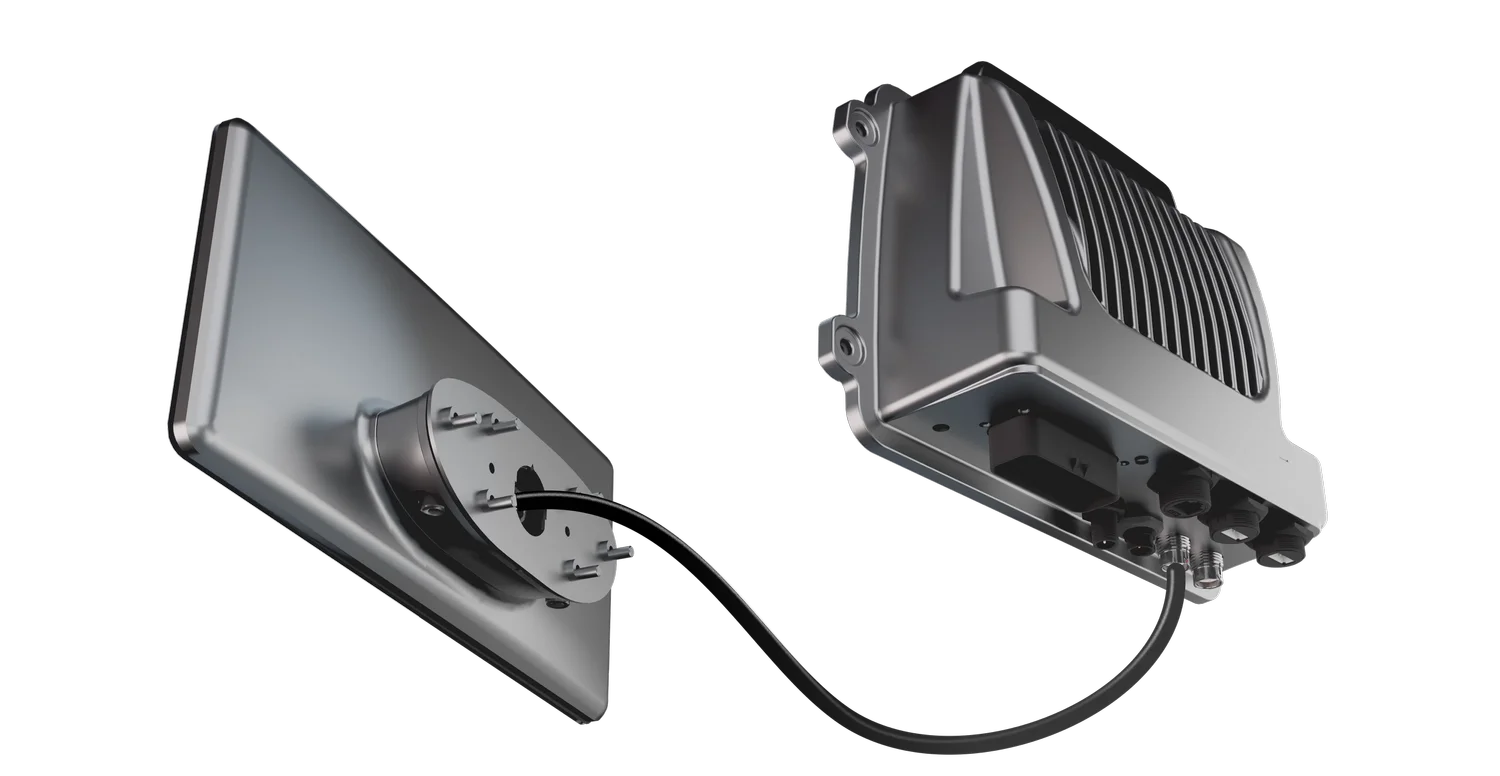
Additionally, this spring, the Q Float made its debut. Floats come in 10-, 12-, and 15-inch displays. All three display sizes use the same, small oval mount to secure the display to a helm and route a cable from the display to the processor box that gets mounted out of view.
Although there are some small differences between the Q Display Classics and the Q Display Floats, the basic hardware is pretty consistent. All units offer hexa-core processors, IP67 sealing of the front of the unit and IP65 of the back, 4G/LTE and WiFi radios, NMEA 2000, USB (1 for the classic and 2 for the float), and Ethernet (2 for the classic and 1 for the float). The classic displays have 2 inputs and 3 outputs for the Q Guard boat monitoring as well as 2 relay outputs. Float Displays have 3 analog inputs and 8 digital I/Os for remote control and Q Guard. The Classic and Float both include a 4 channel stereo built-in with 20 and 25 watt power ratings respectively. The stereos also offer dual zone RCA outputs and include FM/DAB/DAB+ receivers plus streaming from a phone or internet radio sources.
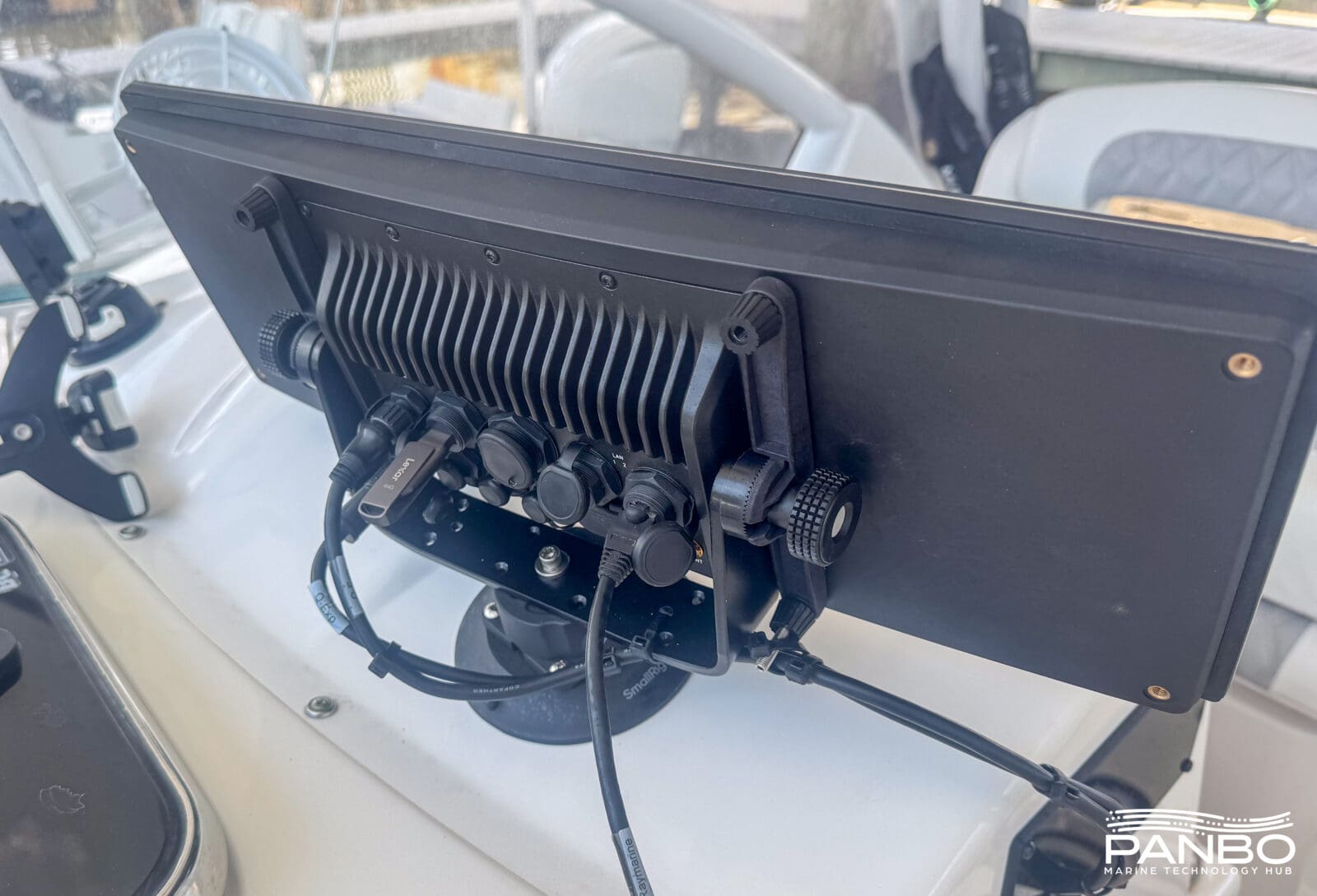
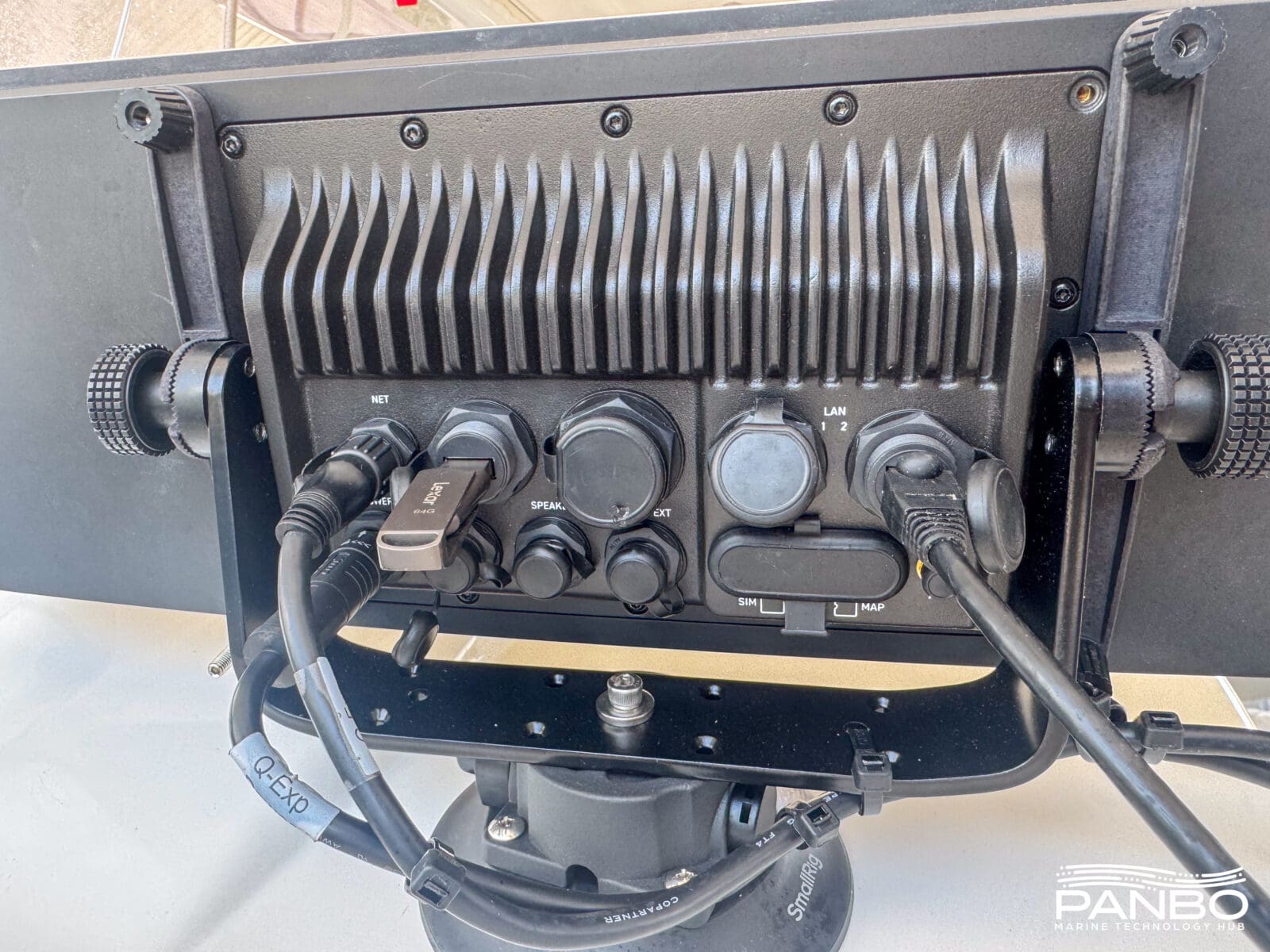
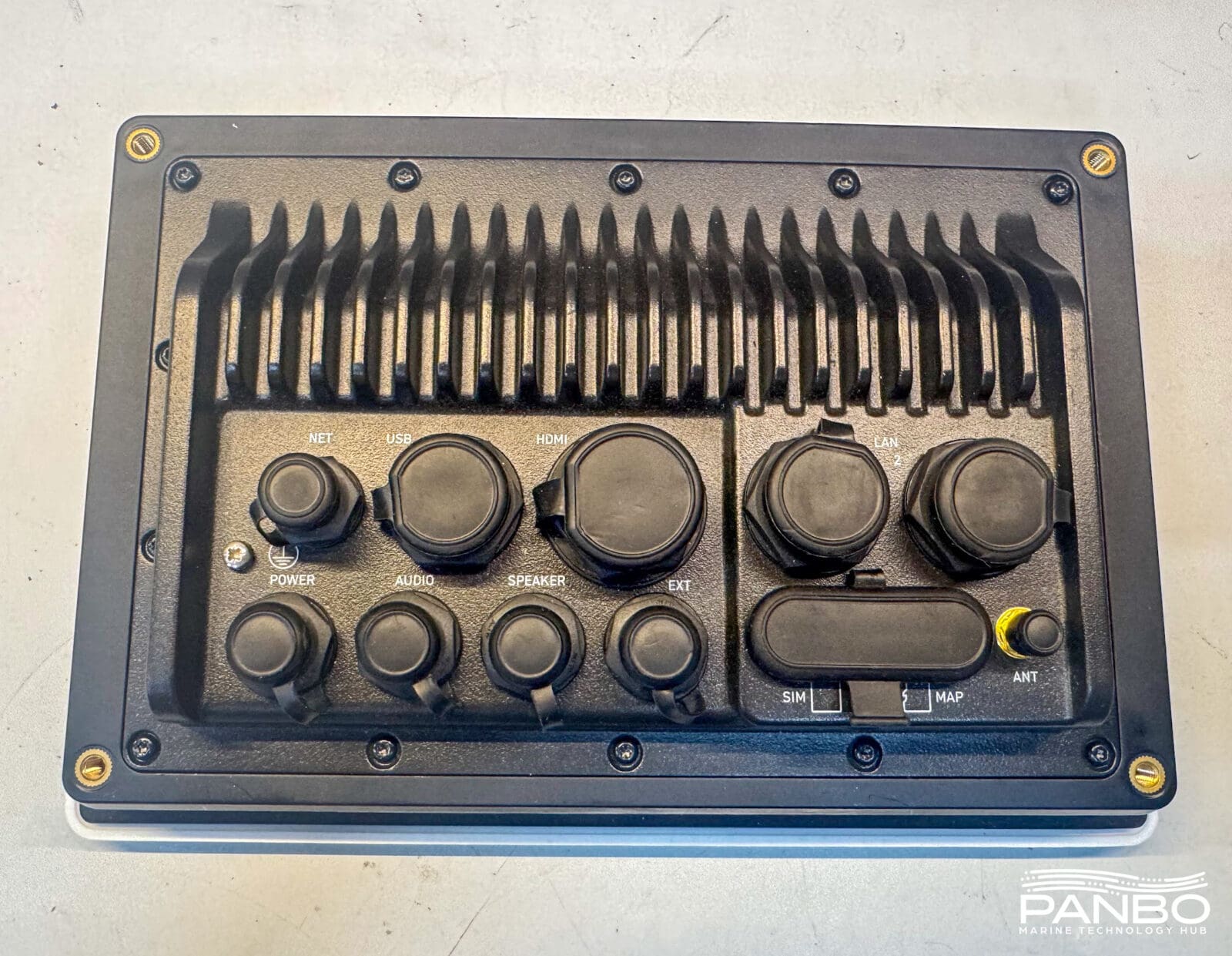
Regardless of screen size or configuration, the processing unit appears common across all the Q Displays. This standardization should simplify hardware management and enable additional screen sizes and configurations. Additionally, I was able to use the trunnion mount from a single 10-inch display to mount the dual display to Panboat’s dash via a suction cup. I am not sure that is the intended mounting strategy, but it has served me well so far.
10-inch Classic and Float and 12-inch Classic displays all offer 1280×800 pixel resolutions. 12 and 15-inch Floats have 1920×720 pixels. Lastly, the 16, 22, and 24-inch Classics all offer 1920×1080 pixels. Brightness ranges from 850 to 1,400 candelas per square meter (cd/m2). The twin 10-inch display I have is rated at 850 cd/m2 and I haven’t had any troubles seeing it in even the brightest of Florida sunlight.
The Experience
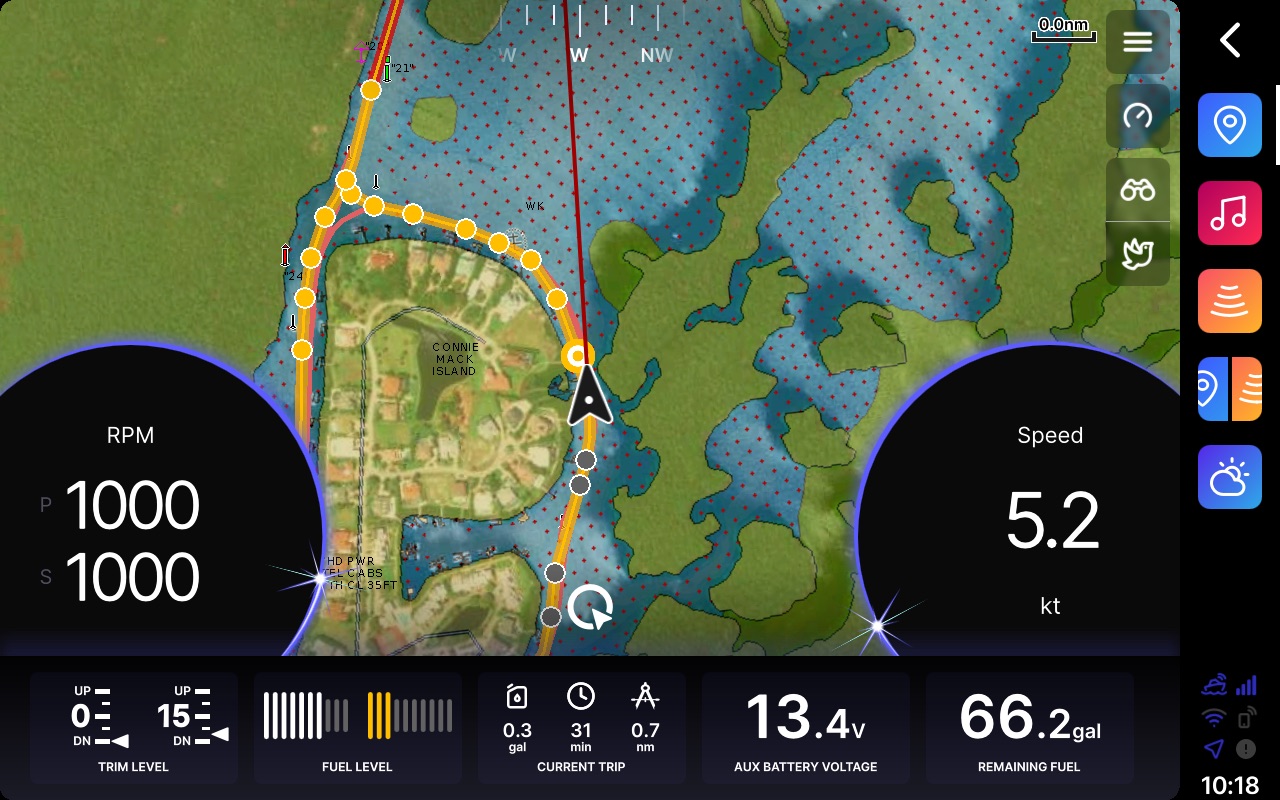
Chart plotters from Furuno, Garmin, Navico, and Raymarine all have lineages that minimally go back decades. The Q Experience is a clean sheet of paper design completed quite recently. In their materials, the company strives to deliver automotive-like experiences by integrating navigation, entertainment, mobile connectivity, and monitoring functions into a single product.
Every time I write about delivering automotive functionality, I cringe. The truth is, boats aren’t cars, and simply recreating your car’s experience on your boat likely isn’t the best option. Still, many of our expectations are set by what we experience in our cars — and automotive volume in a day exceeds marine volume in a year. The comparisons are unavoidable, and in many cases cars do lead the way for the experiences we expect aboard.
One of the interesting parallels with automotive trends is the lack of branding on a Q Display. Where every other marine electronics manufacturer prominently features their branding on the hardware — generally centered above or below the display — it is nowhere to be found on Q Displays. That lack of Q branding likely speaks to the OEM focus NextFour employed at launch for The Q Experience.
Charts and routing
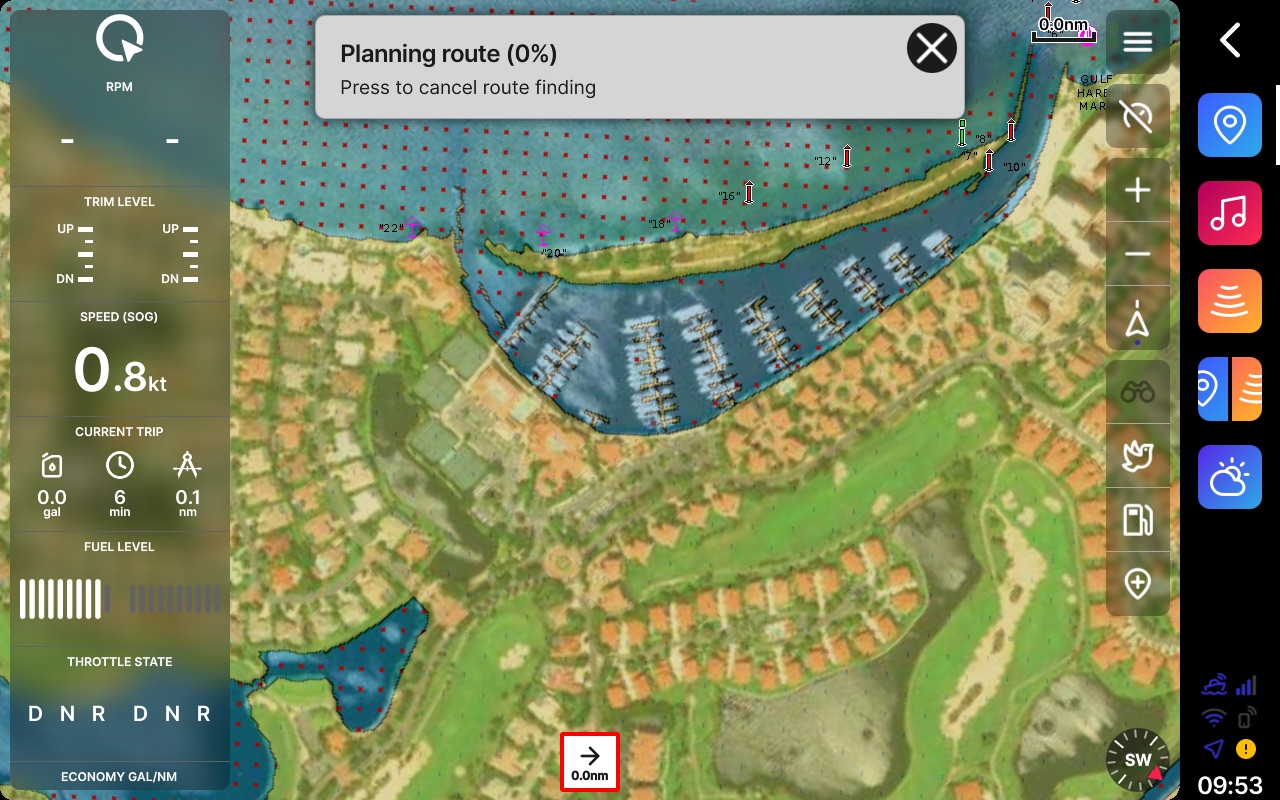
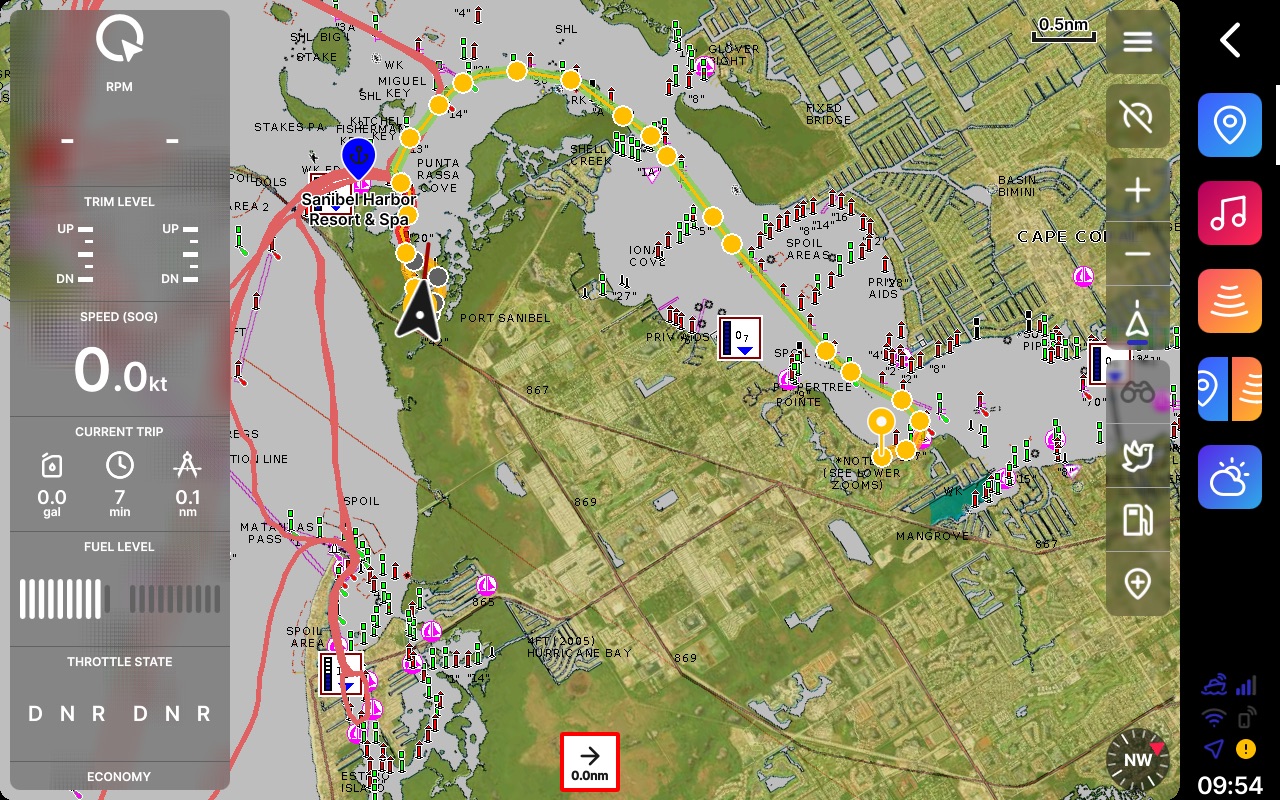
Q Displays use Navionics+ and Navionics Platinum+ charts. If you’ve used Navionics charts any time recently, the presentation will be very familiar. The system also supports automatic routing via Navionics’ dock-to-dock auto routing capabilities. The planned routes were generally good, though certainly subject to the usual, occasional head-scratching decision.
Two displays, one computer
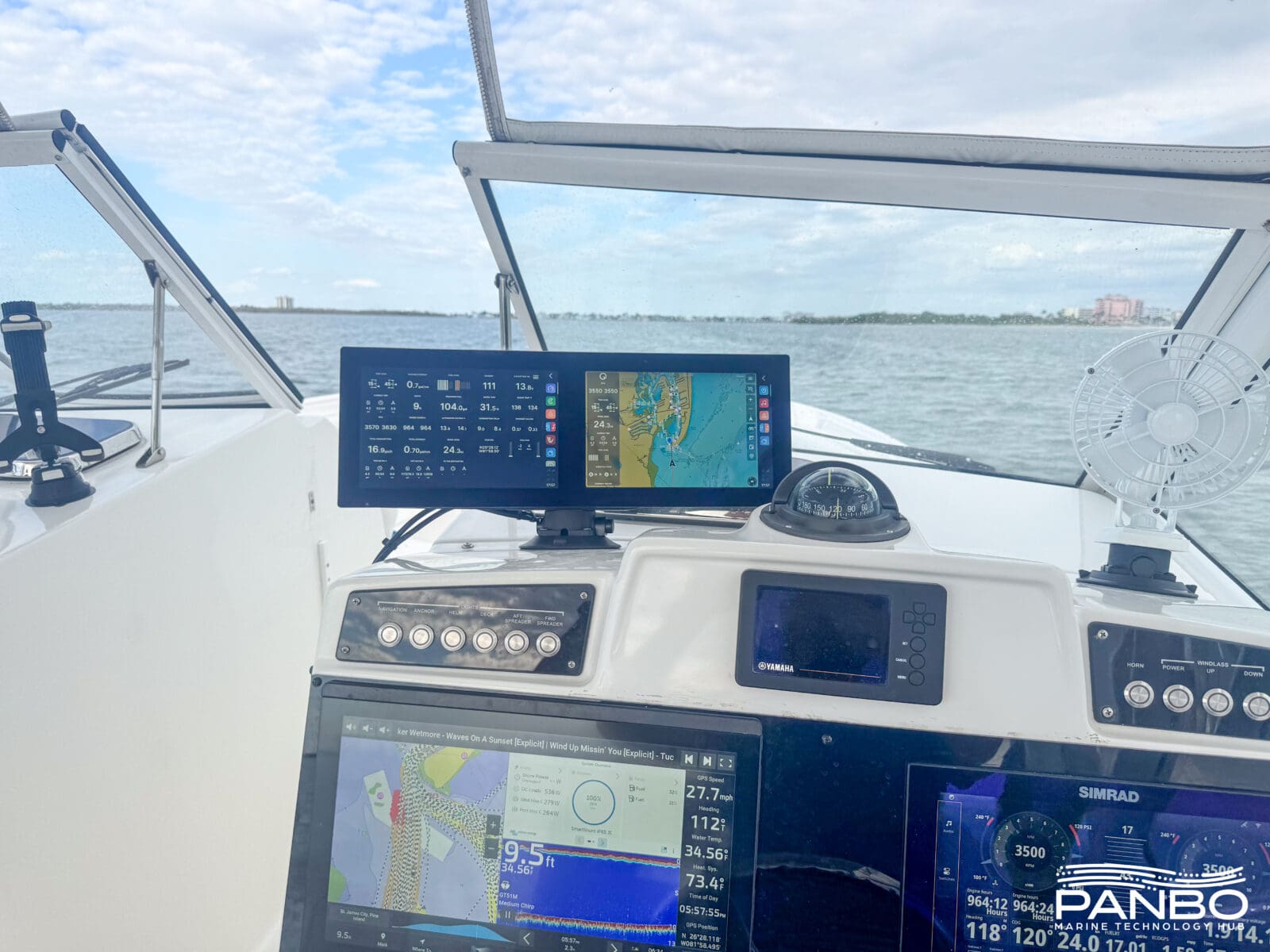
All Q Displays support two monitors. The single display units can feed another display via HDMI and accept touch input from that display via USB. Impressively, each display — whether in the same case like mine or not — feels like a separate chart plotter. Control over the app displayed on each monitor is separate and the app icons, overlays, and adjustments are per display. There’s plenty of processing power. At no time did I feel like the system was struggling to drive everything I displayed, even when I loaded up the displays. Each monitor supports single or split views.
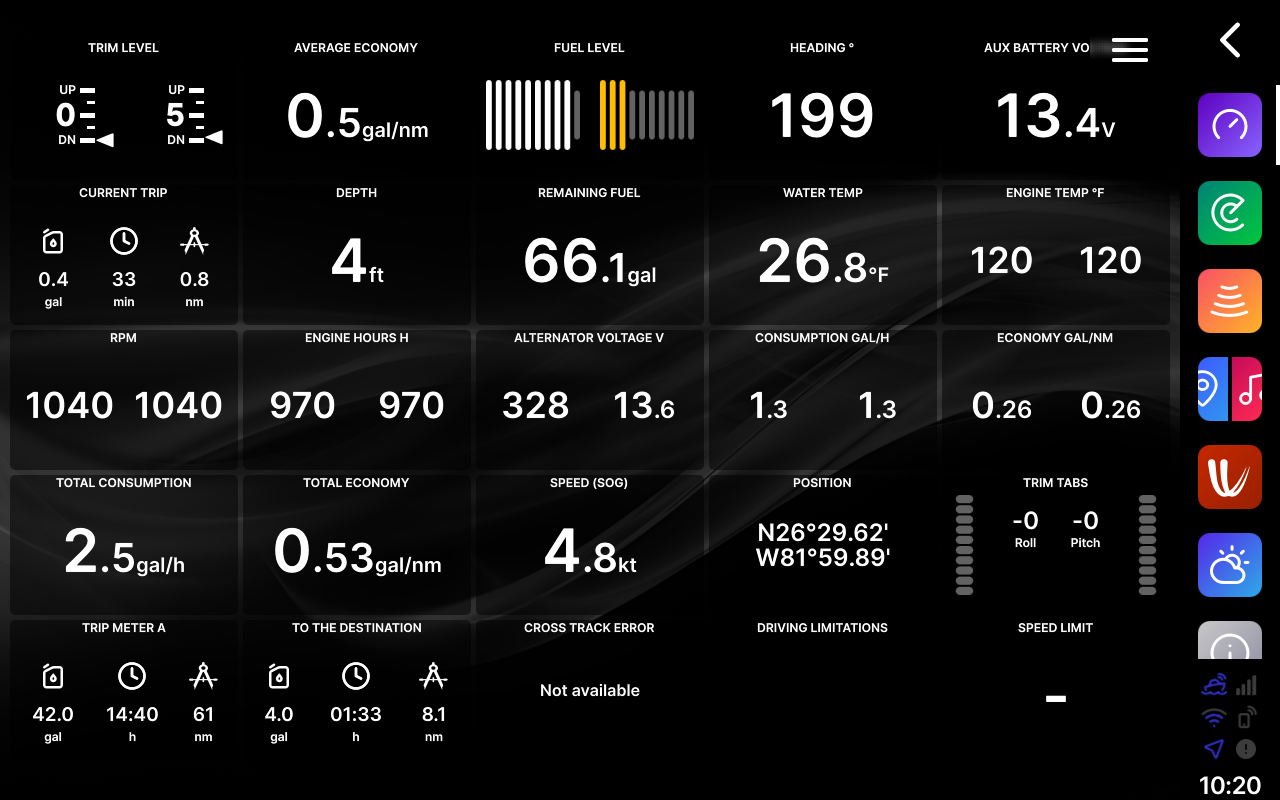
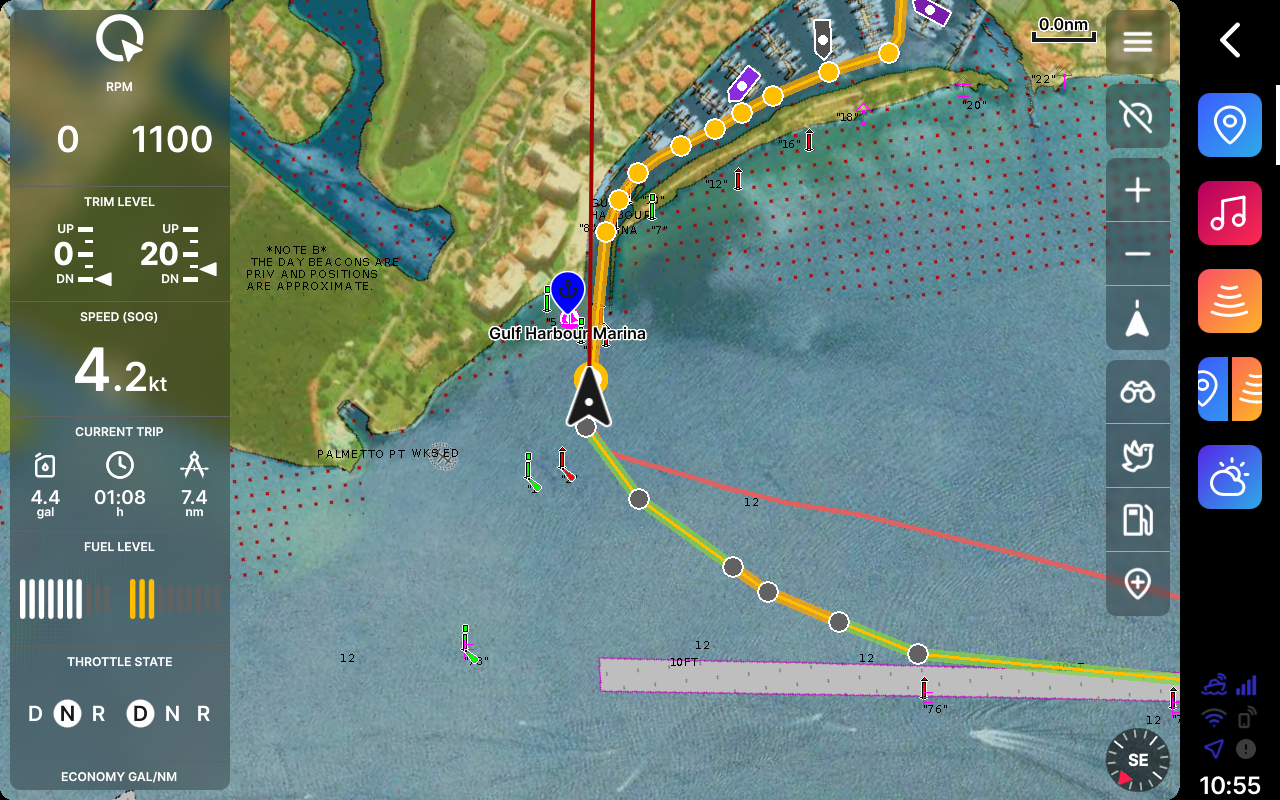
You may notice that all the screenshots in this article look like they’re from a single display unit. These were all taken on my dual 10, but the two screens are isolated in nearly every respect, including the screenshot shortcut. So, when I hit the button to take a screenshot, it only takes that shot for the display I tapped. I am also experiencing a few anomalies in which fuel levels and alternator voltages display incorrectly. I am working through that, though it’s also worth mentioning that Panboat’s NMEA 2000 is complex.
Sonar, radar, and cameras
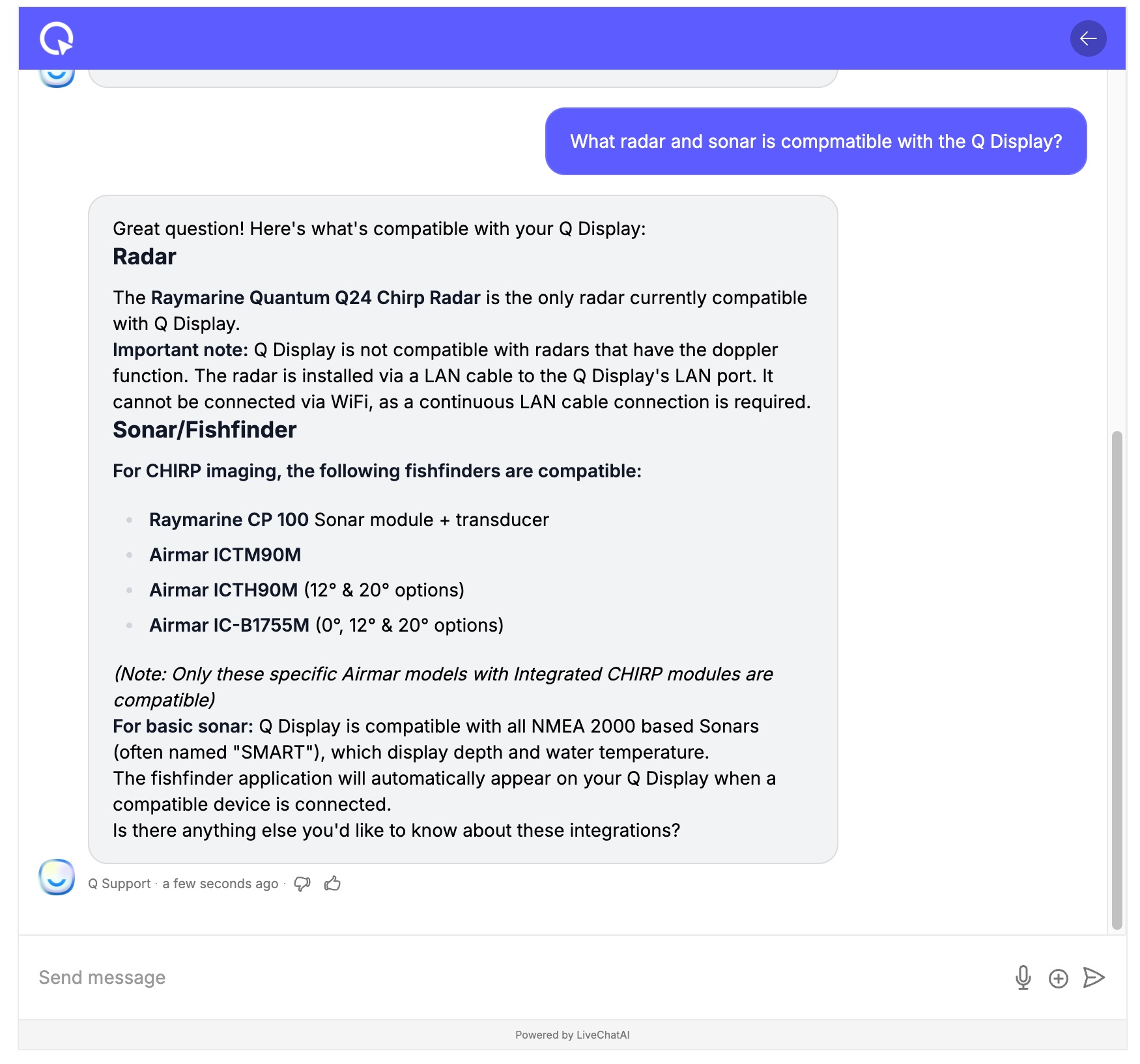
Radar compatibility relies on Raymarine Quantum radars, and sonar comes from Raymarine CP-100s or a few Airmar combination transducers with built-in sounders. Q’s compatibility list specifies non-Doppler Quantums, which confused me a bit — my Quantum 2 connected and works fine, just without Doppler target classification.
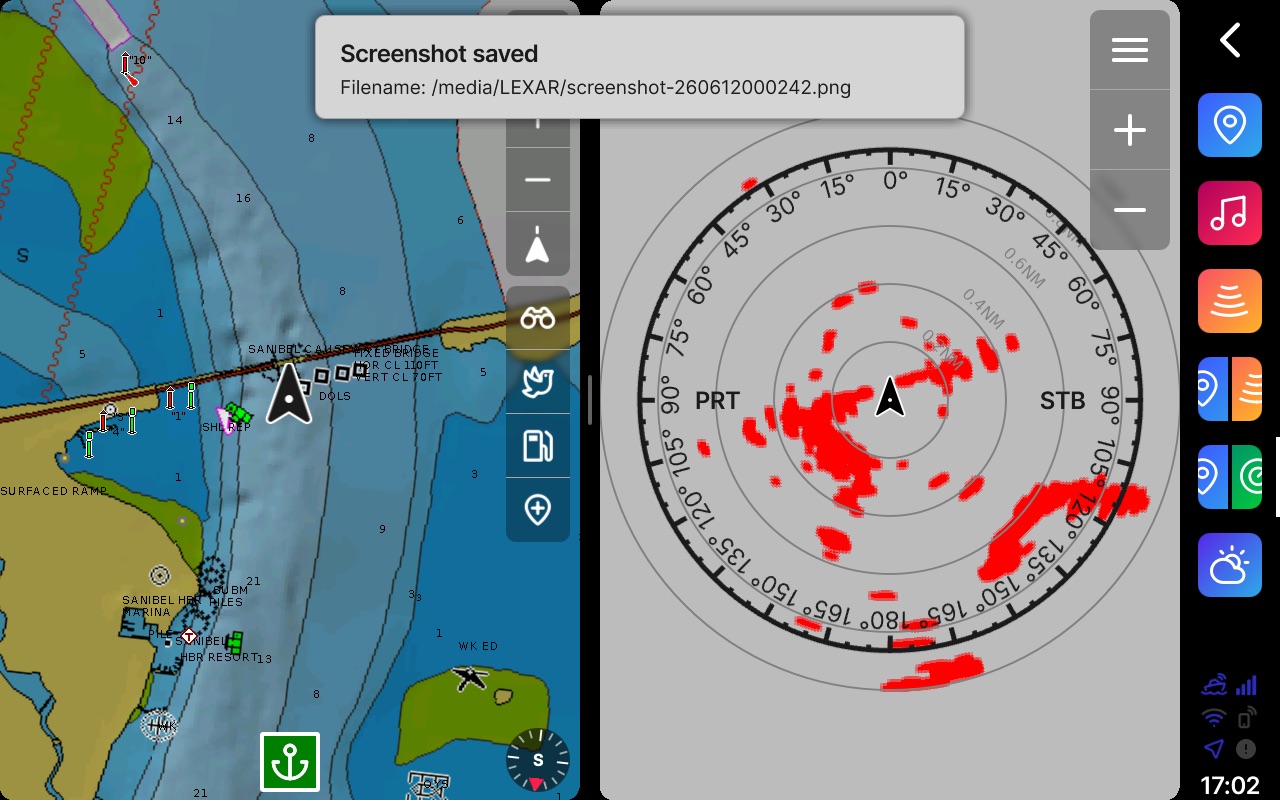
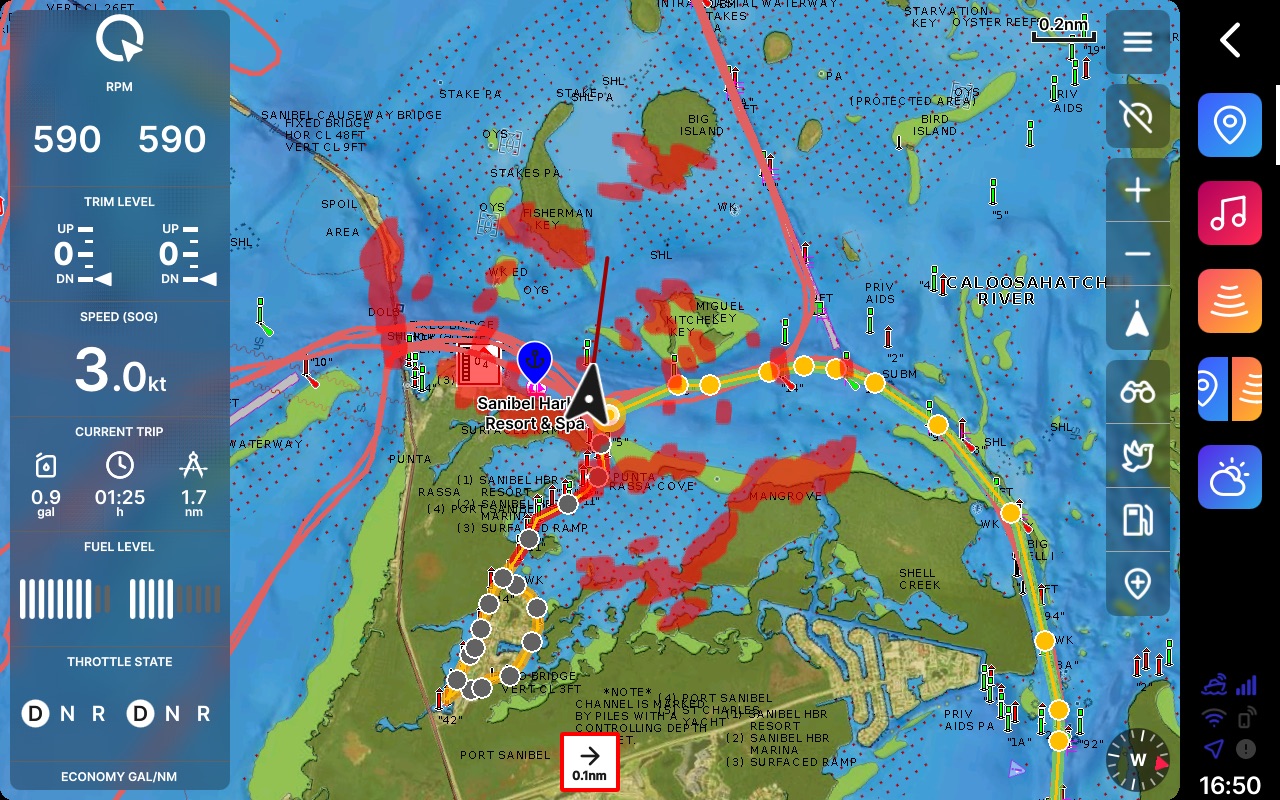
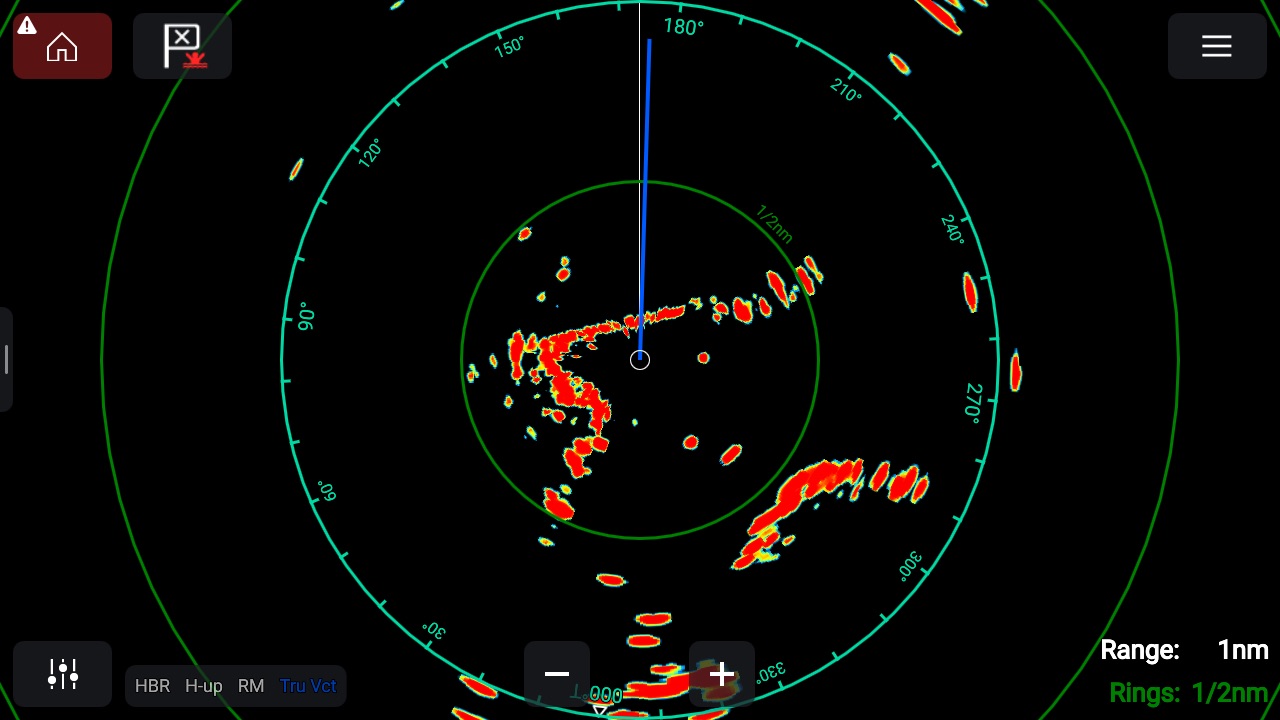
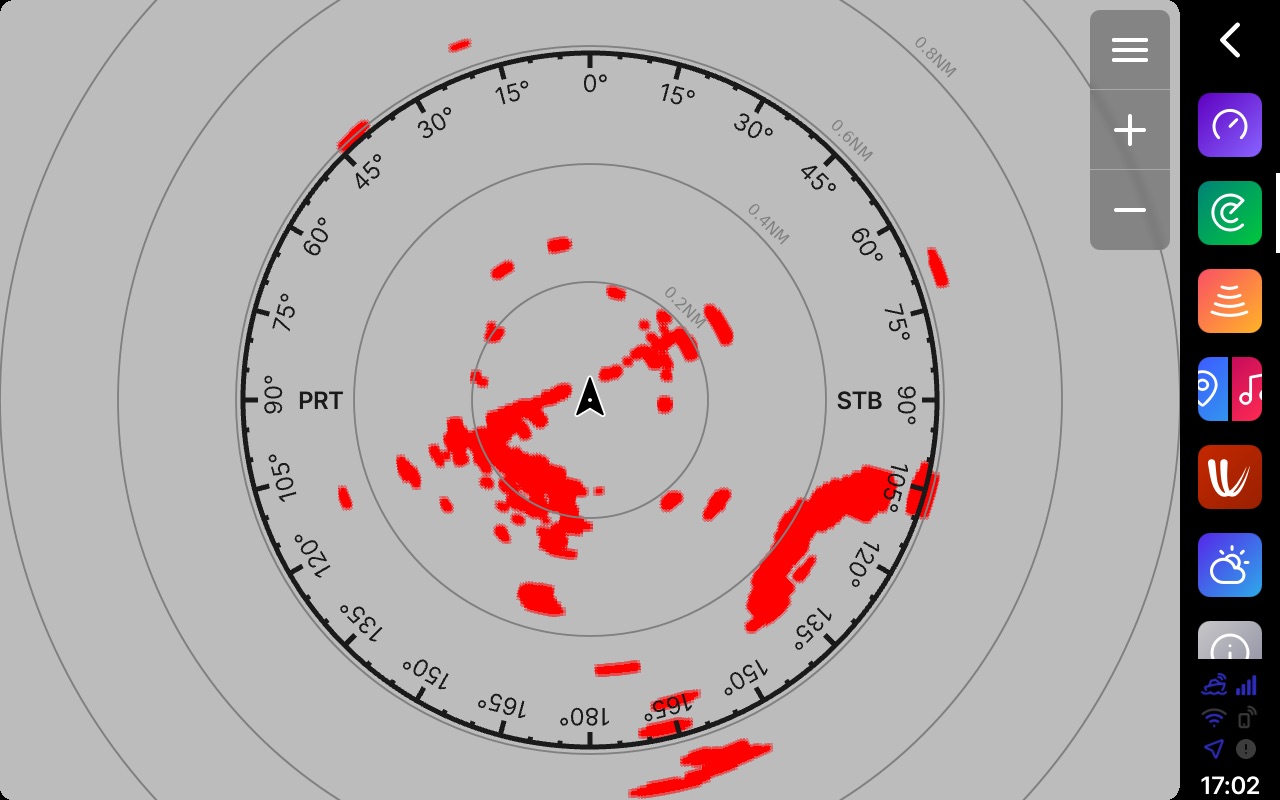
Of the functions I’ve tested so far, radar leaves me least impressed. Functionality is rudimentary: no target tracking and, as noted, no Doppler classification. The scope itself also strikes me as bland, and that’s not just aesthetics. All four screenshots above come from the same Quantum 2 radome, and to my eye the Q renders noticeably lower resolution and less informative imagery than the same radar displayed on an Axiom 2 Pro.
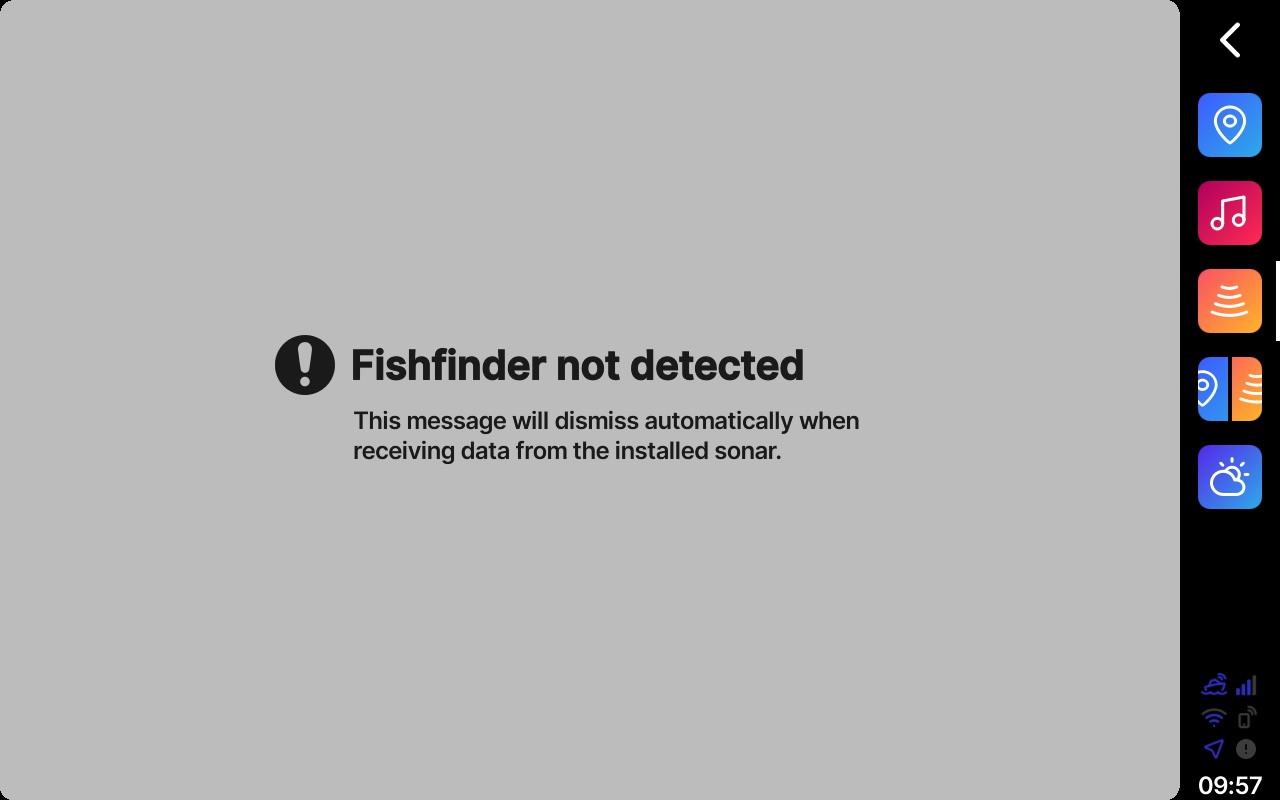
Unfortunately, I don’t currently have a compatible Sonar sounder on Panboat. I am working on getting both a sounder and transducer in place, but that will take a little more time. Q also supports IP cameras, though I have not yet been able to test those functions.
Google Maps, Windy, and Extras
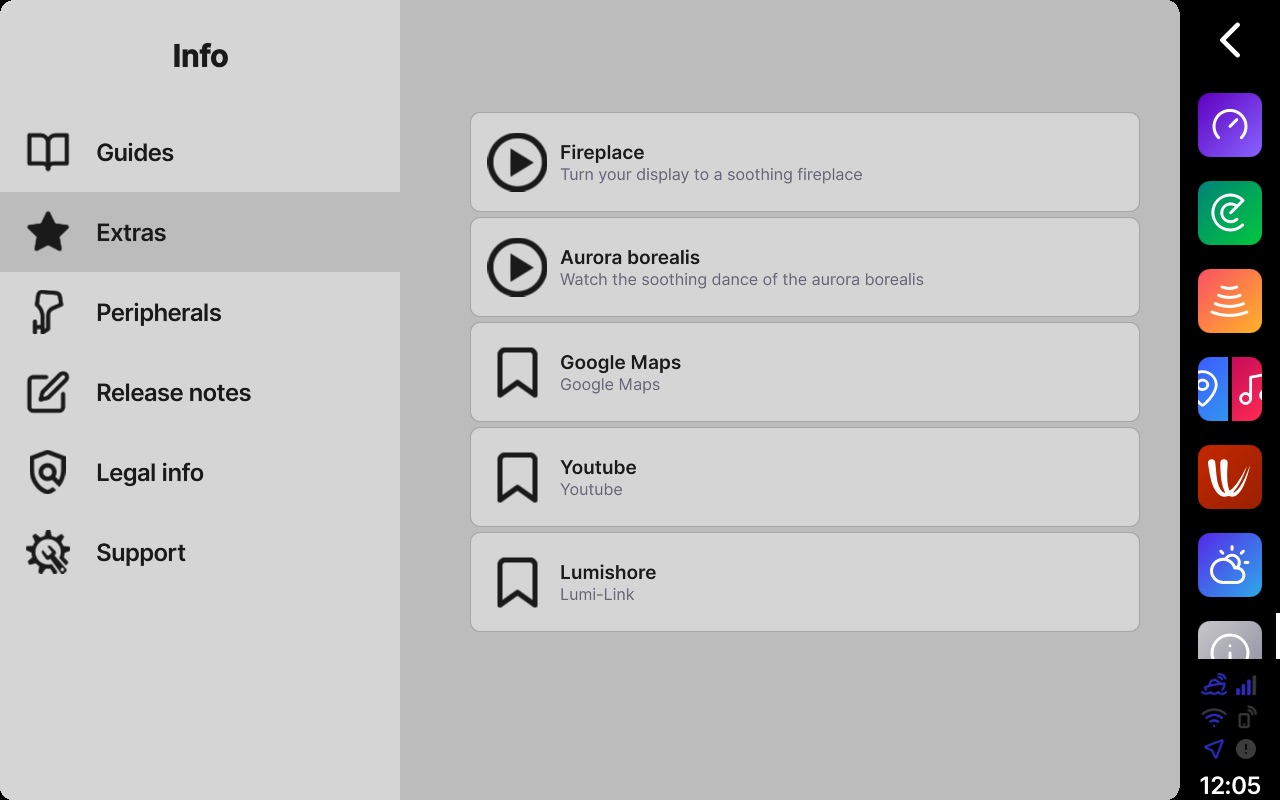


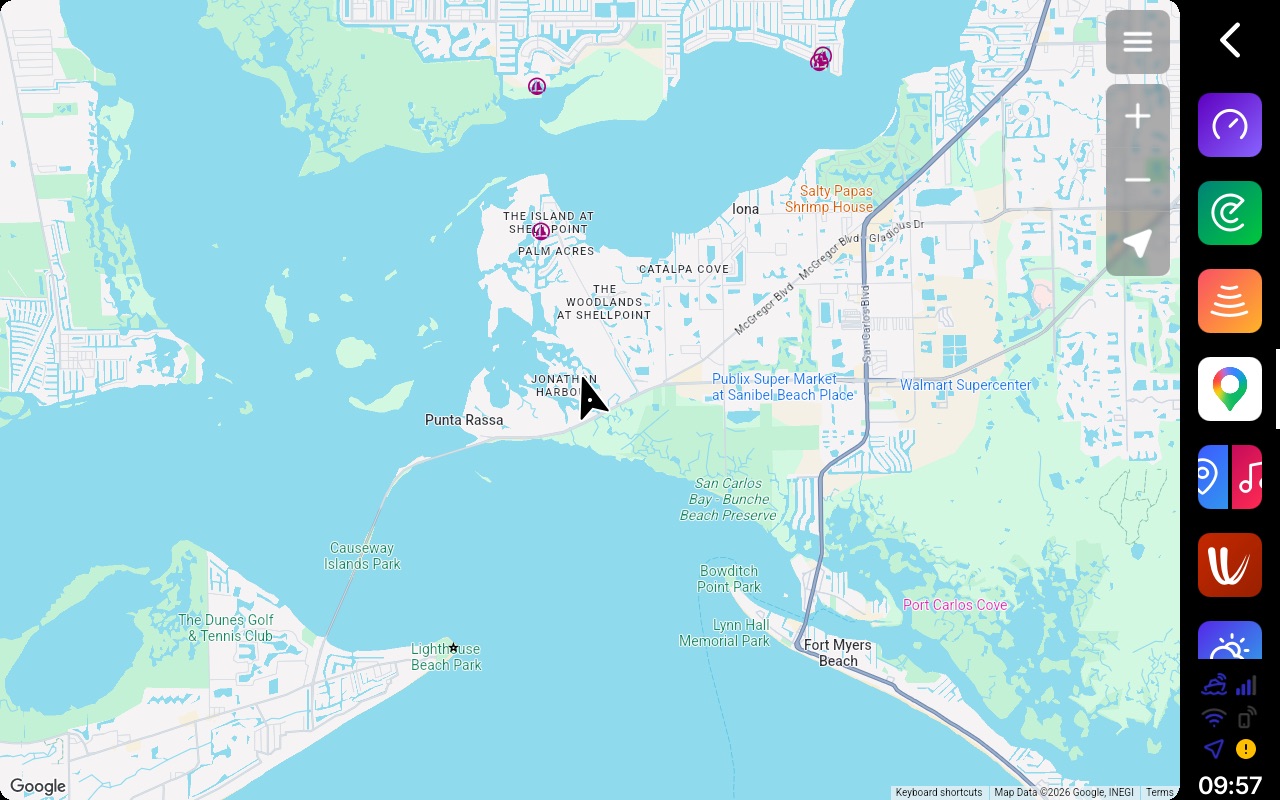
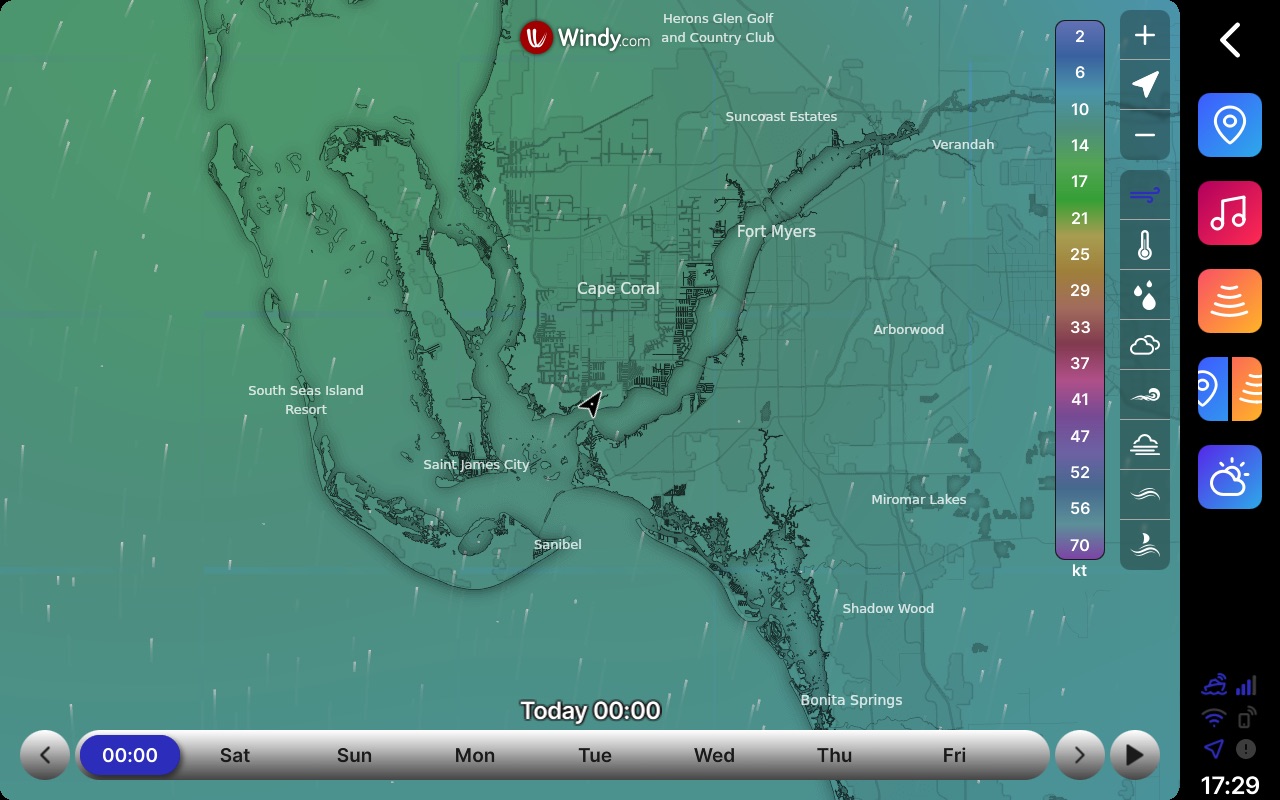
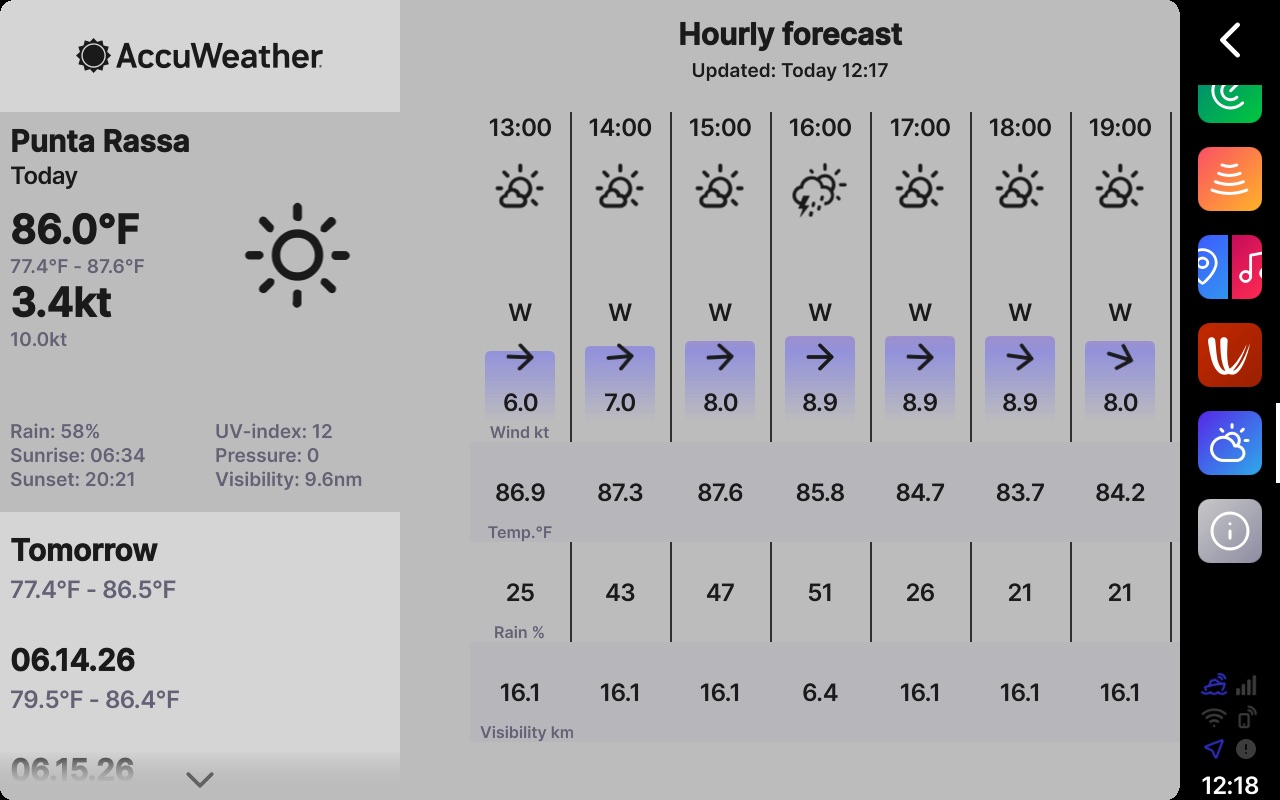
NextFour says they set out to build a device as easy to use as your phone. If I’m grabbing my phone, chances are good it’s to look at Google Maps or check the weather. Q offers both those features right on the plotter leveraging the built-in 4G connectivity. Plus, on a cool night, you can gather around the electronic fireplace on screen! In all seriousness, while marine charts outperform Google Maps in open water, coastal boating often involves checking out land features as well. Google Maps is a great tool for that. In fact, in my relatively short time with Q, I have leveraged the app quite a few times already. When it comes to checking weather, the 10-inch displays of my Q Display are far easier to see than my phone. That weather can come via either Windy or AccuWeather.
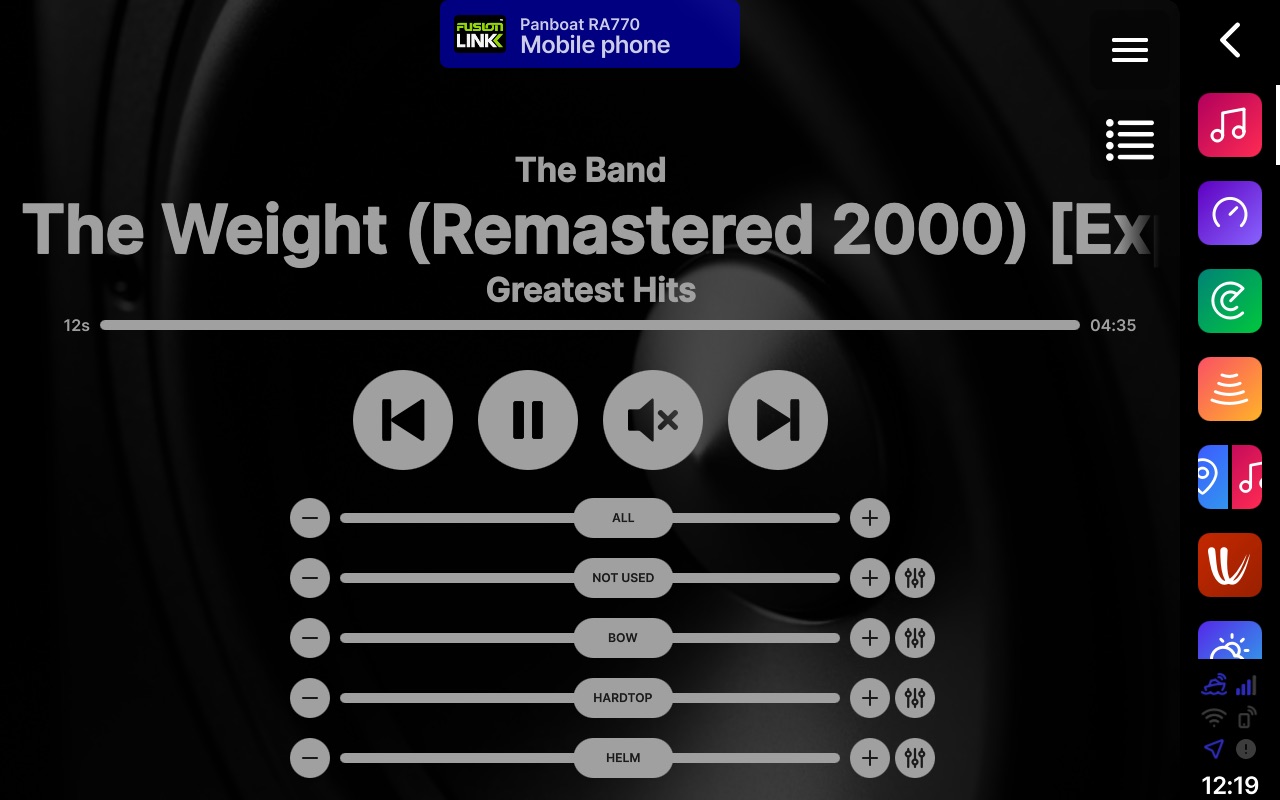
Panboat’s existing stereo runs four zones with functionality beyond what Q offers, so I haven’t taken advantage of the built-in stereo. However, it was easy to switch the audio application to function as a remote to my existing Fusion stereo via NMEA 2000.
Q Guard
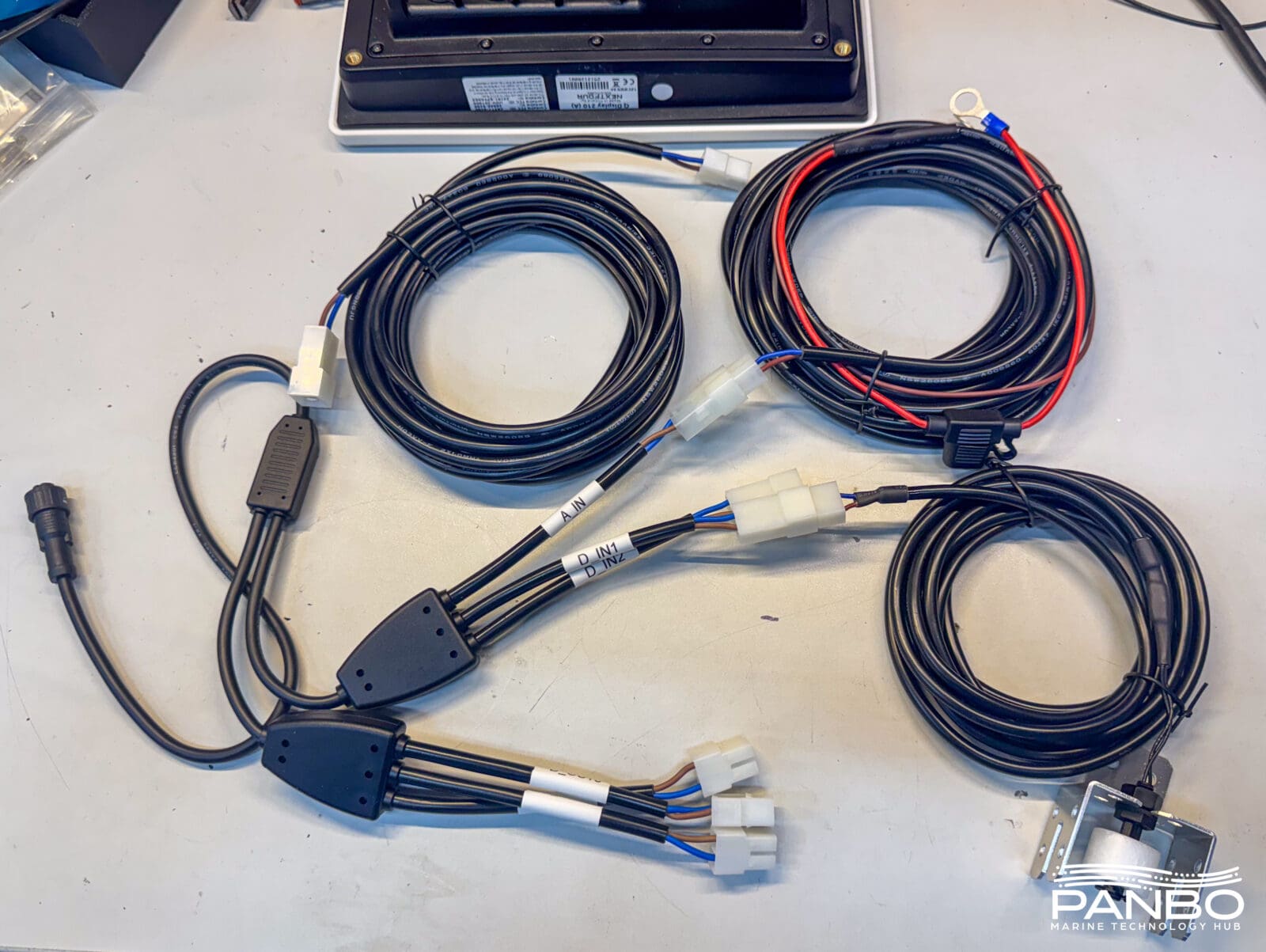
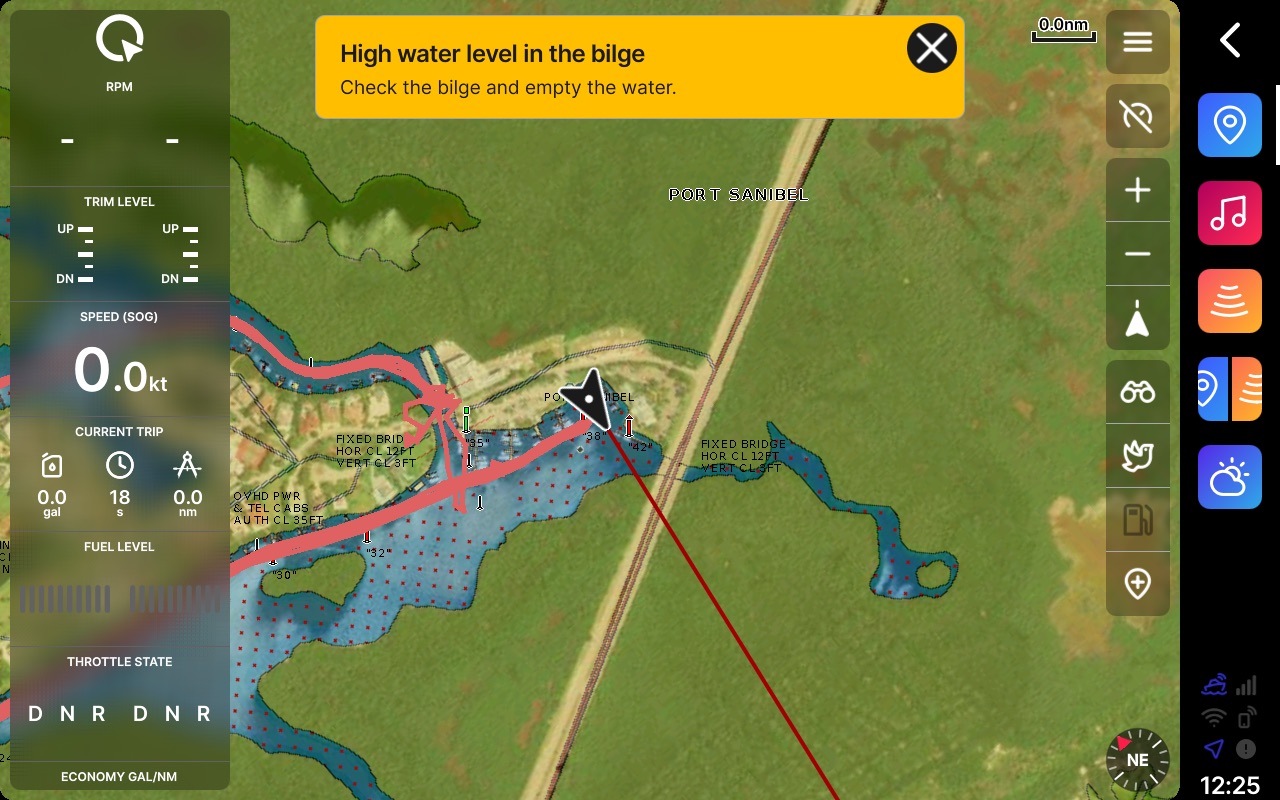
Q Guard monitors vessel location, battery voltage, battery disconnection, fuel level, impacts, weather, engine alarms, and an anti-theft engine loop. Bilge level and engine loop functions require the Q Guard accessory package. That package includes the primary harness that connects to the display, a 3 and 5 meter extension cable, the engine loop, a bilge level or float switch, an external siren, and a cable to measure battery voltage. The Q Guard package lists for 229 euros. I wasn’t able to find a conversion to U.S. dollars in Q’s store.
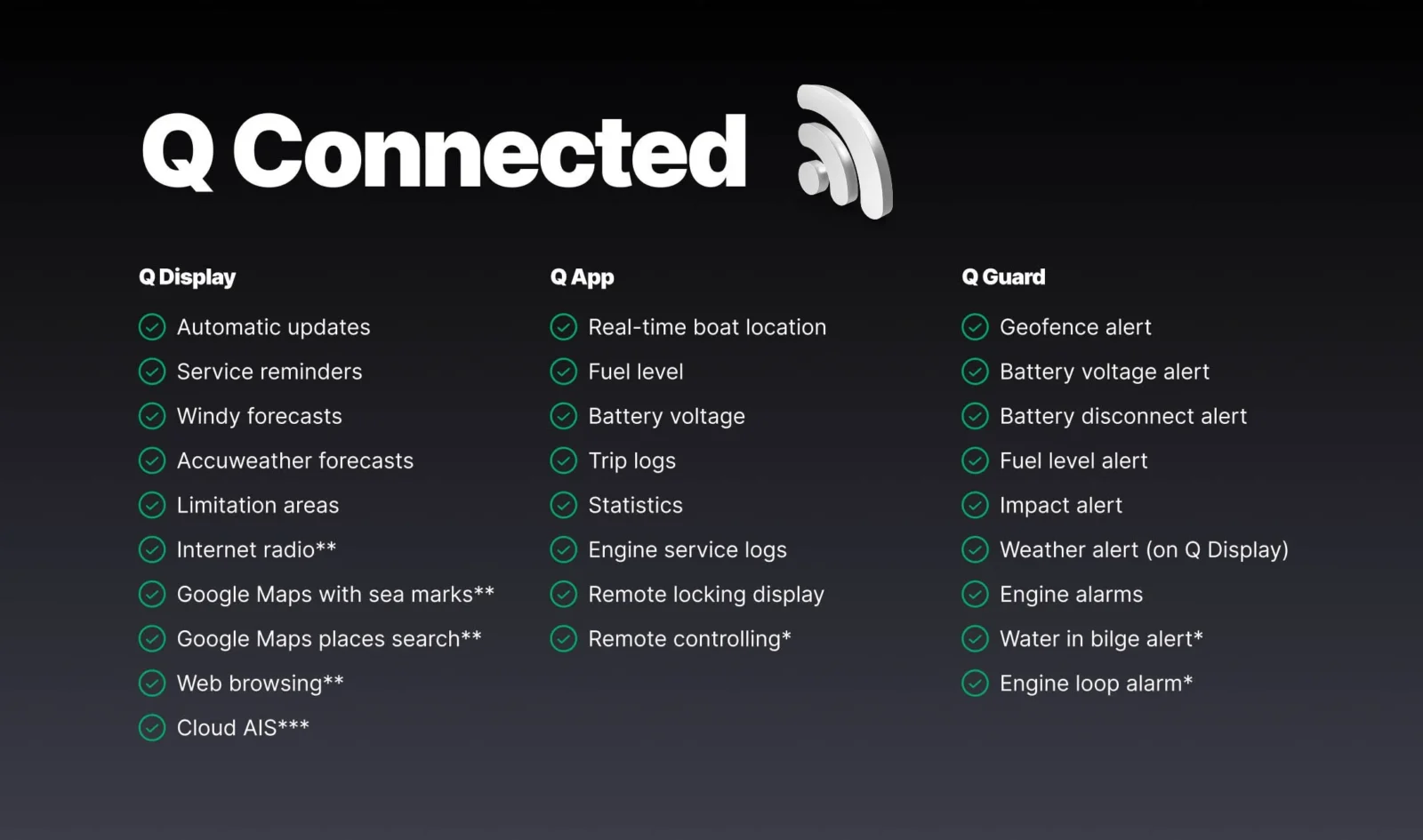
The features come as part of the Q Connected subscription. The graphic above lists all the functions enabled with the subscription. Note that the features indicated with a double asterisk require either external, WiFi-based connectivity — like Starlink or cellular internet — or a data package from Q. Q Connected costs $22 per month in the U.S. and data packages start around $20 per gigabyte.
Mobile app
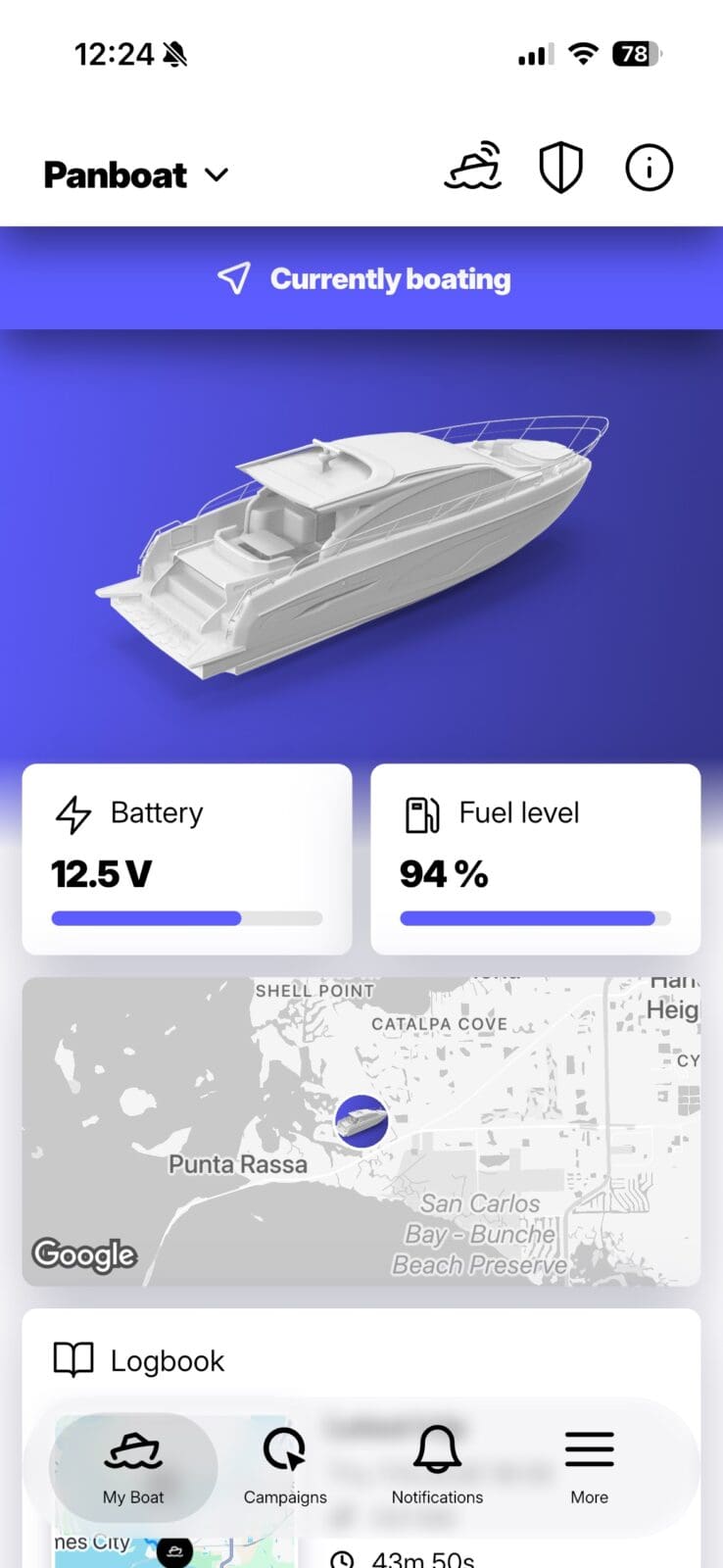
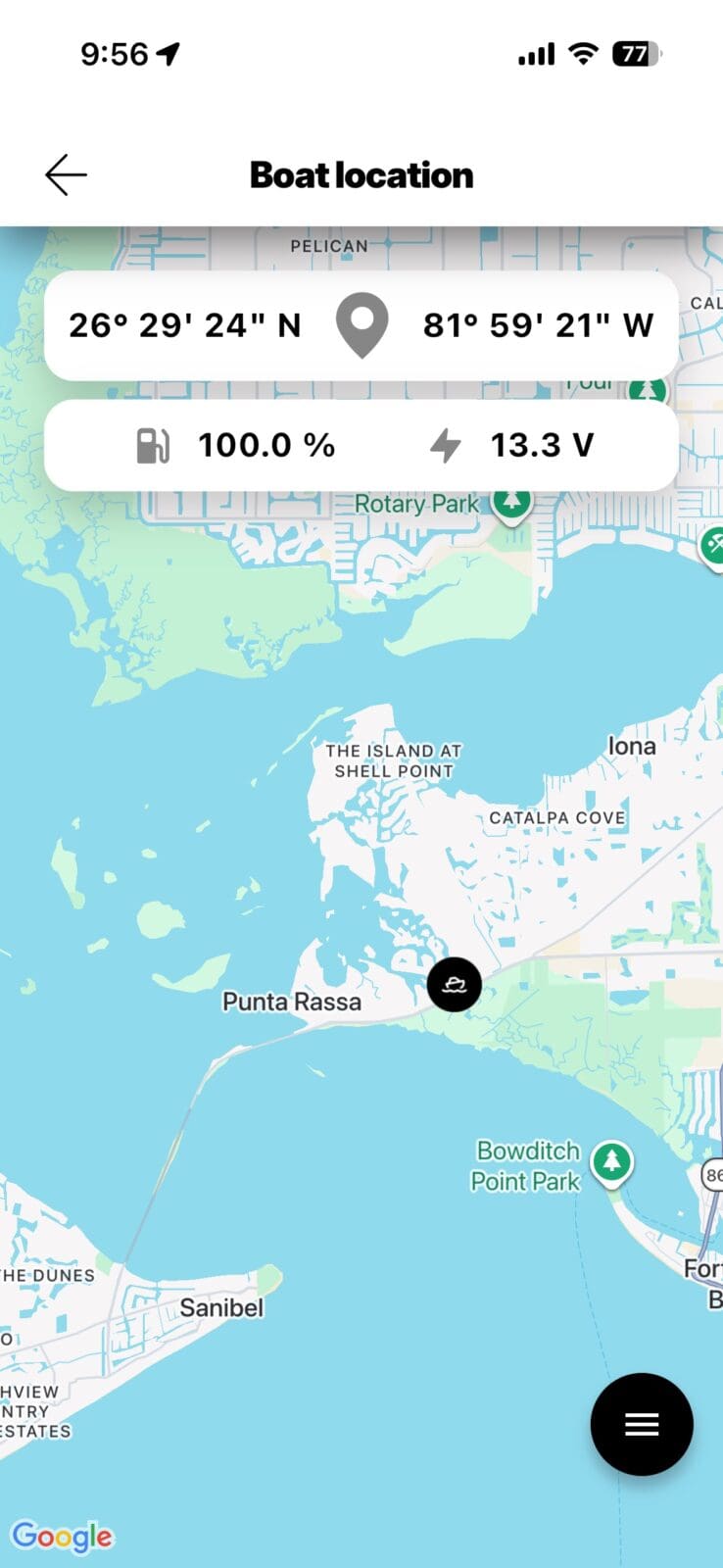
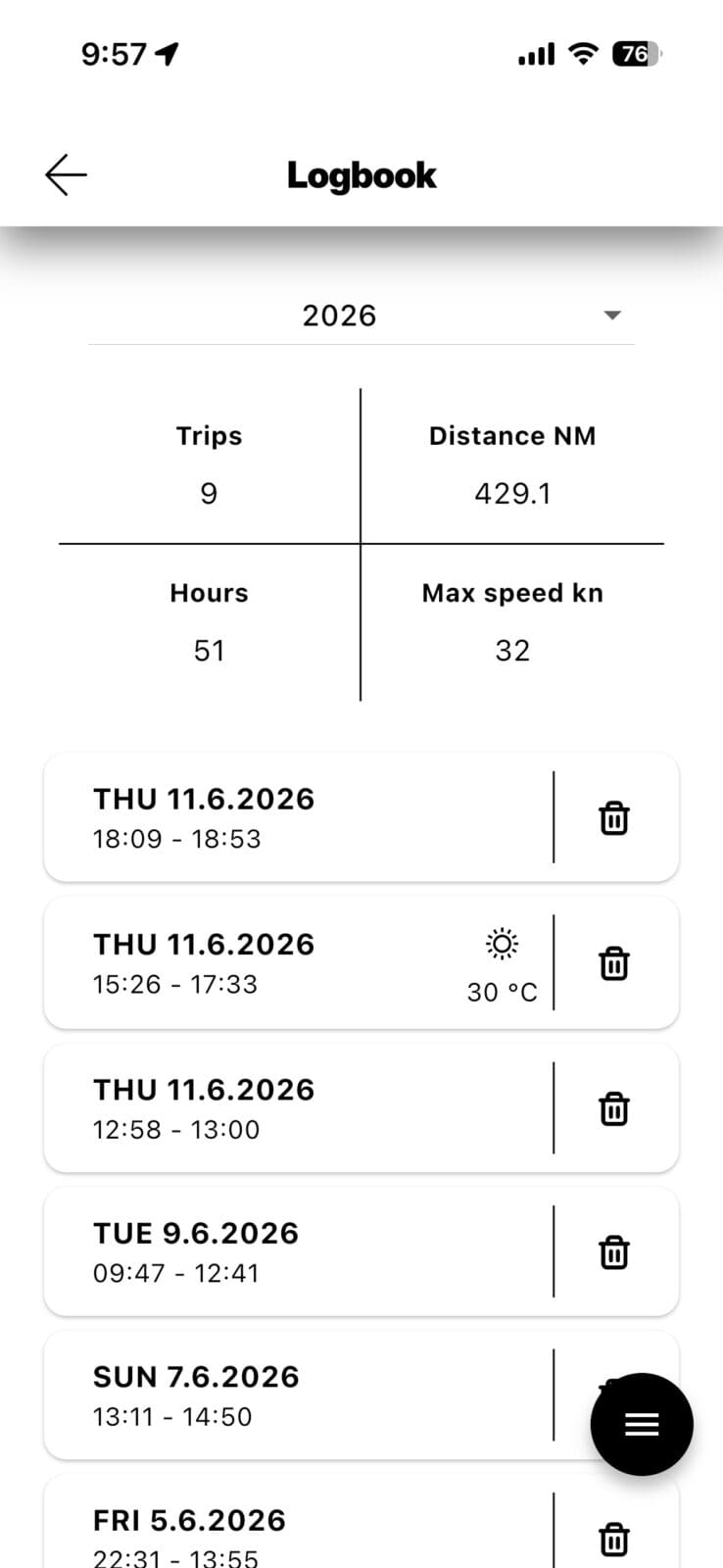
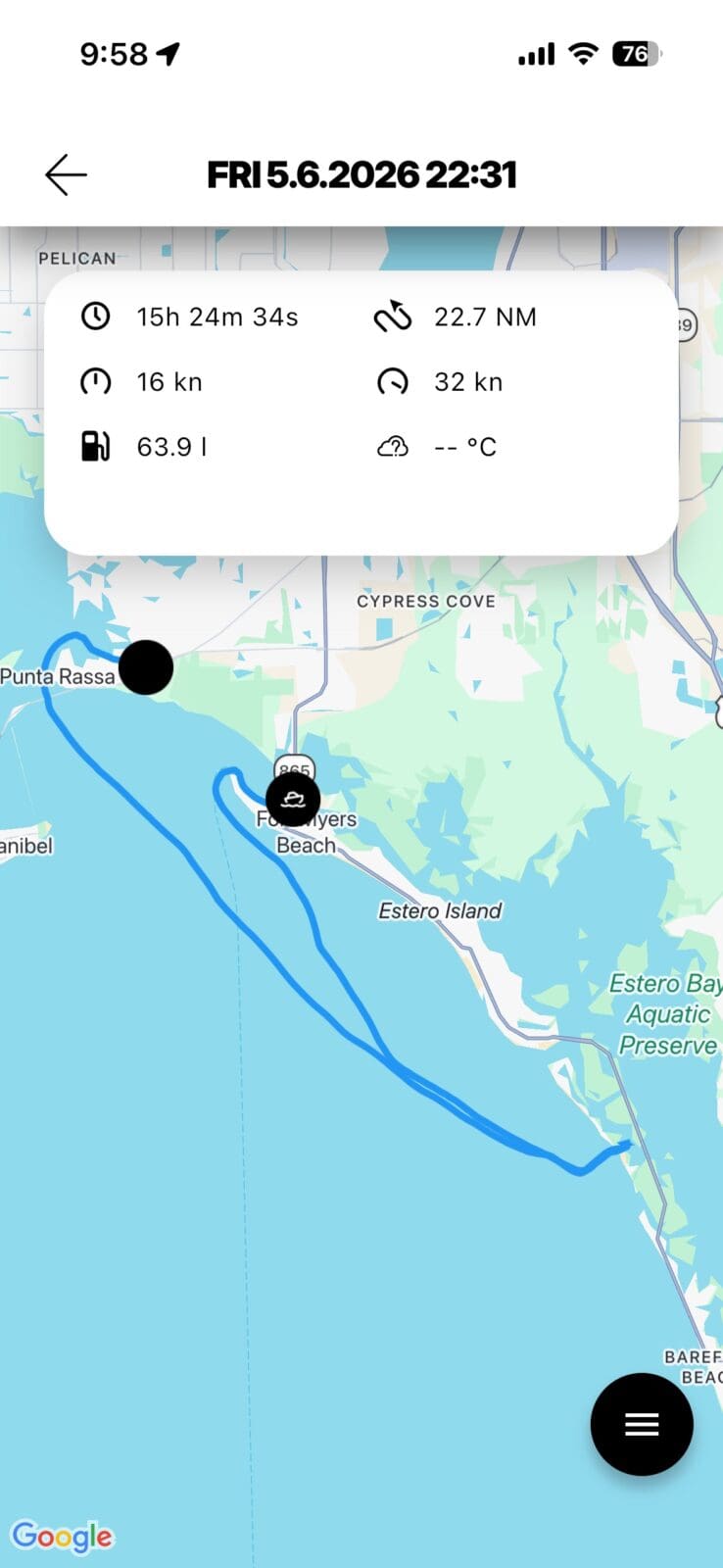
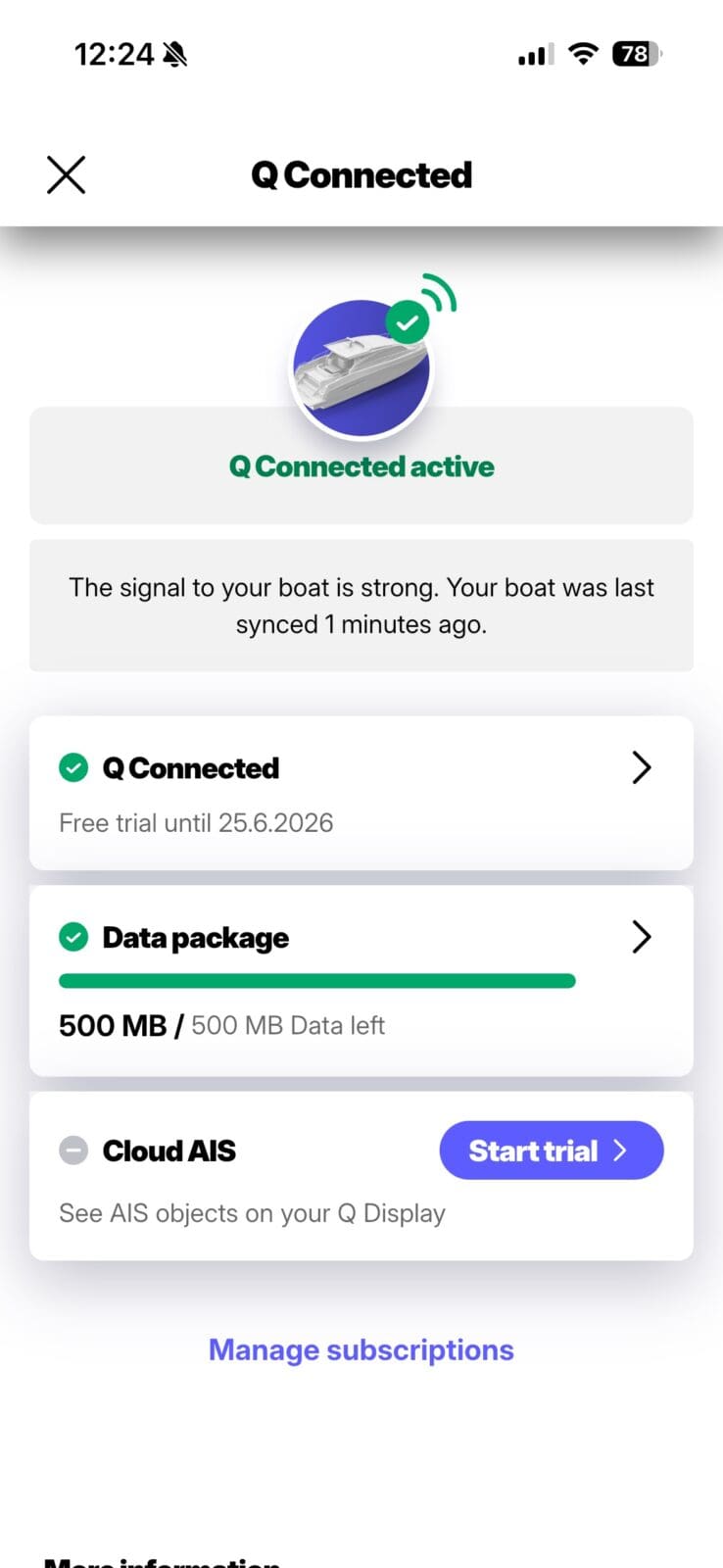
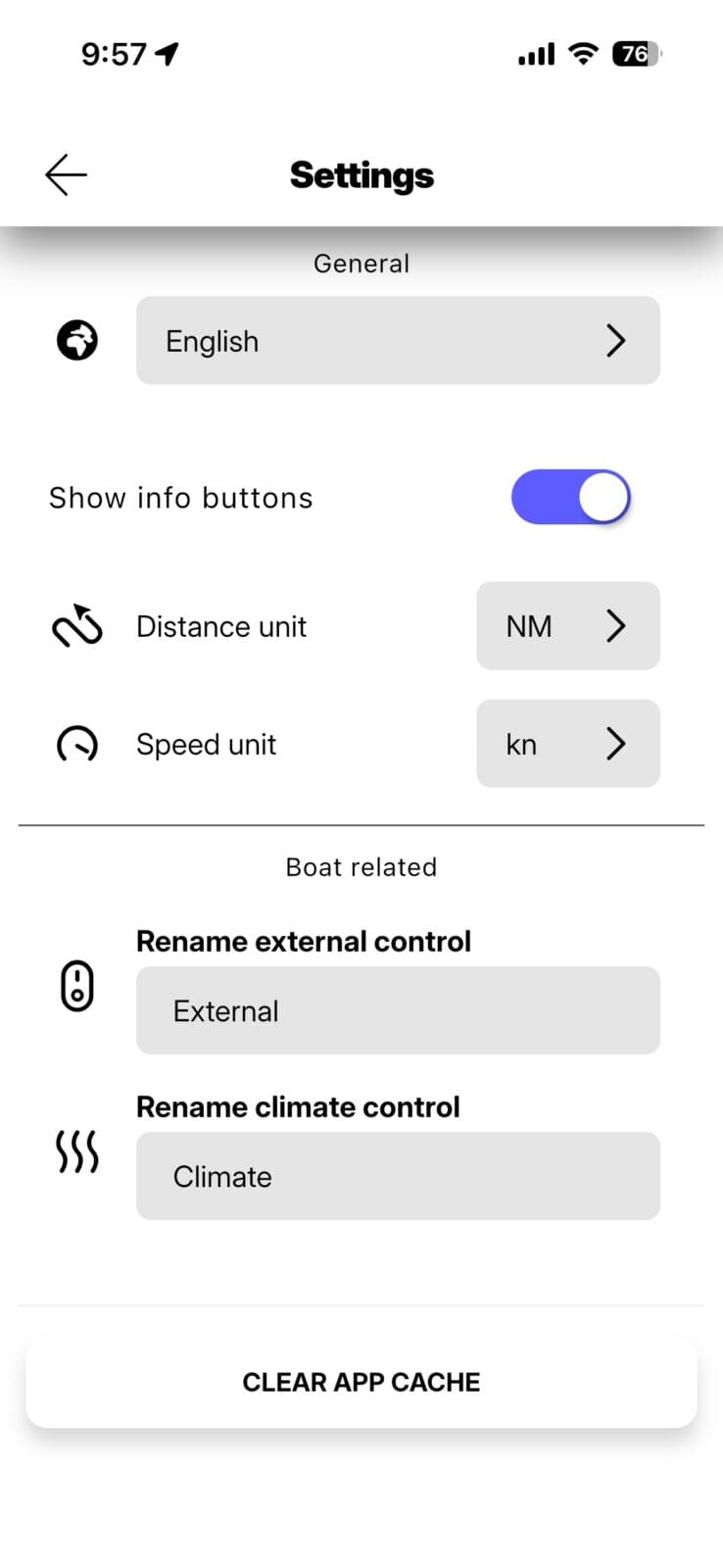
The Q Experience app provides a user-friendly interface with access to several aspects of the display. The logbook functionality is great and it’s very easy to quickly pull up past trips. I’m a big fan of fuel consumption logging as part of the log. But, I did notice that both fuel volume and temperatures are displayed in metric units without the ability to adjust them. Additionally, I can quickly check on any engine or Q Guard alerts that may have been raised. A little surprisingly, despite a pretty strong embrace of mobile, there isn’t a remote display option, which I find handy from the other manufacturers who offer it.
Final thoughts
The Q Experience is quite an experience. The Display offers a fresh look on a chart plotter. It delivers a responsive, modern take on chart plotters with a European flair. There are definitely areas for the company to continue to invest and improve. But, as I’ve used the system, I have asked myself a simple question. If my new boat came with a Q Display, how would I feel about the system? After much thought and a truly critical eye, I have my answer. I would be quite satisfied with the system and what it delivers. Beyond that, Q’s willingness to experiment with new form factors like multiple displays and floating mounts enables manufacturers and refitters to think outside the traditional 16:9 box.


Interesting product. I have long believed that the marine electronics market is stuck at the low end of the price/value curve because of the tiny sales volumes and prfit potential for new entrants or for the legacy manufactures to spend the money to rethink their products.
What would be fabulous is if Q could somehow work out arrangements to allow “mix and match” integration of proprietary devices such as network radars and sounders as well as open cartography. I am sure it could be managed from a software perspective if the other manufacturers were willing to permit it — which I doubt would ever happen. Being able to plug a Furuno open array into your Q and have a Simrad network sounder on the same network would really shake things up.
Fred,
What you describe is exactly what NMEA’s OneNet is trying to accomplish. I’d say the skepticism you have regarding manufacturer interest in cross brand compatibility is well placed. Interoperability wouldn’t be hard to achieve, but might well run counter to commercial interests for the manufacturers. It might also help those with the strongest product in each category sell more, but that’s been the manufacturers’ assessment so far.
-Ben S.
ive been following Q with some hope.. its still kinda there. but decent quality sonar down here is a must, and i really hope somehow Q can get on board. im not to sure how this will happen.. nbut very groovy stuff reguardless.
Looks promising! For us stickboaters, any mention of sailing tools? Lay lines, wind roses ect?
Feels like a more fleshed out orca core, much cheaper, quite a good product but not as fleshed out as the legacy electronics manufacturers. Will be great to see where they are in a few more years when they get the software more developed.
I think it’ll be hard for them to get radar data from the legacy brands, they seem to really want to keep those locked down to help sell plotters. Expedition (sailing/navication/race software) has the ability to take Navico radar but you have to pay an unlock fee to Navico via expedition to get that ability. Maybe that’s what q and orca end up doing.
Hi, Q has a dedicated sailing page including Laylines available also laylines overlay on the chart. Ben, mabe you can post a screenshot? Dashboard –> Sailing Instruments
You should take a look at Signal K’s Freeboard SK charting and KIP dashboard integration. Open source has gone a long way Panbo did a review and it’s nice to have open source free alternatives.
https://www.npmjs.com/package/@signalk/freeboard-sk
https://www.npmjs.com/package/@mxtommy/kip